


Introduction
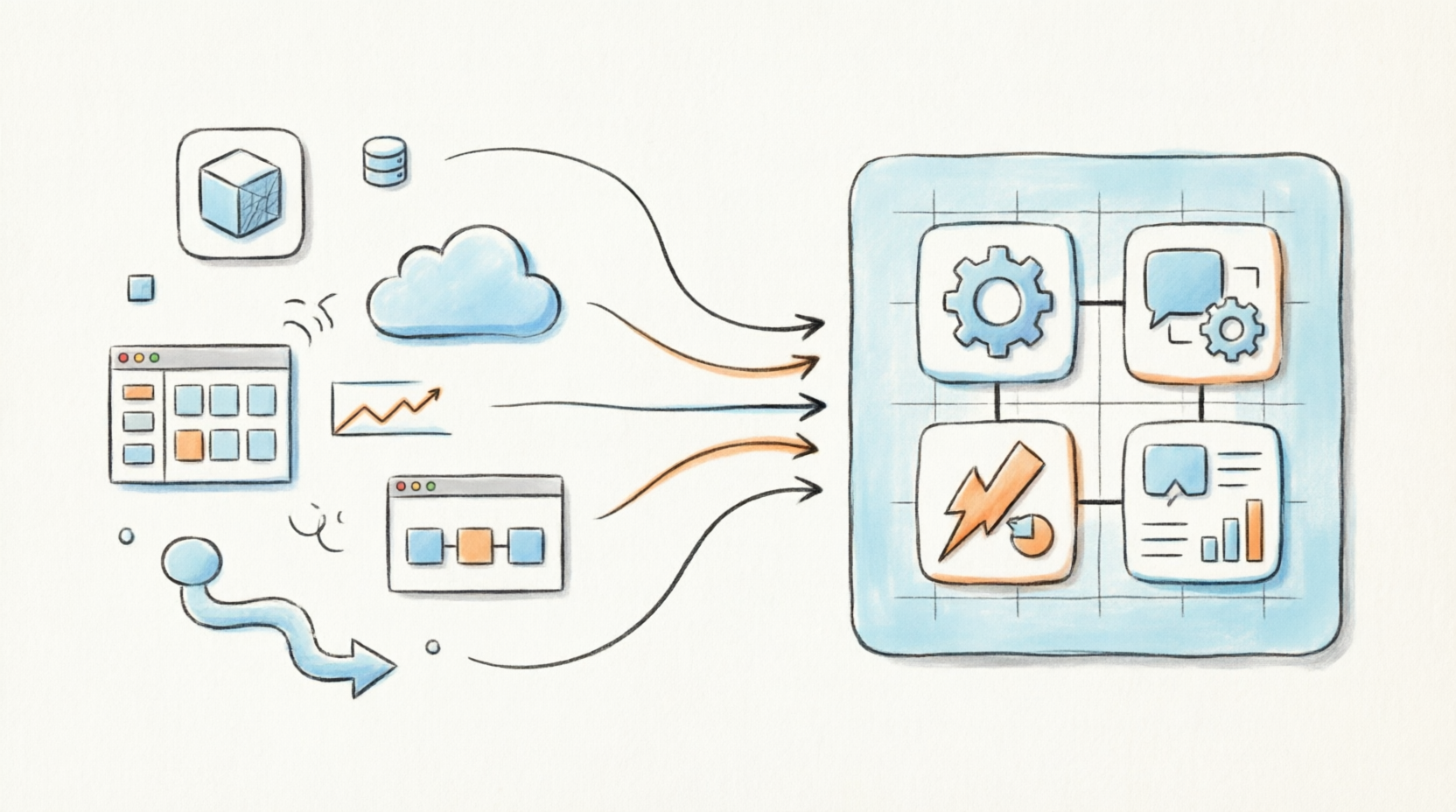
In today’s fast-paced digital landscape, professionals are constantly battling tool fatigue. Whether mapping out a complex product roadmap, designing enterprise architecture, or collaborating on agile sprints, the modern workflow inevitably requires juggling multiple disconnected applications. This fragmentation leads to siloed data, endless context-switching, and a significant loss of momentum.
To solve this universal challenge, Visual Paradigm introduced the Visual Paradigm Unified Platform. Moving far beyond a simple software update, this release represents a fundamental reimagining of how creative and analytical work gets done. By seamlessly bridging the gap between robust desktop modeling and accessible cloud-based collaboration, Visual Paradigm has created a single, cohesive ecosystem. This guide explores the core philosophy, standout features, and practical applications of the Unified Platform, providing everything you need to know to elevate your productivity and eliminate workflow friction.
The Core Philosophy of Unification
The Unified Platform was engineered around three foundational principles designed to eradicate the most persistent pain points in modern visual productivity:
Eliminating Siloed Data
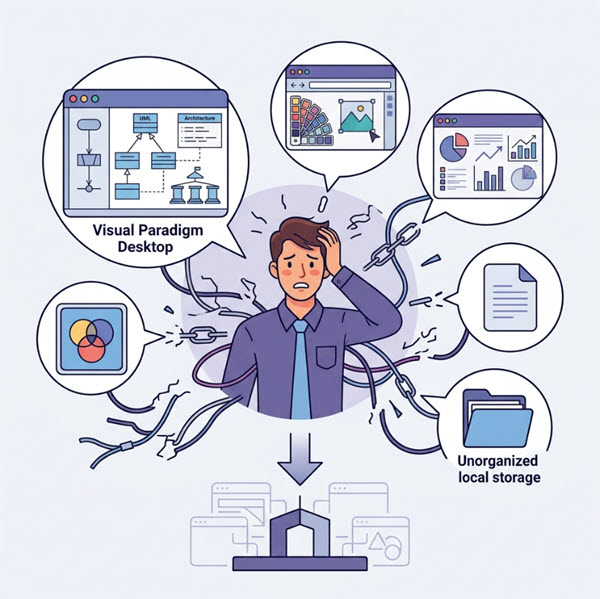
One of the most frustrating aspects of working across multiple tools is the fragmentation of information. Files created in one application often cannot easily communicate with those in another, forcing users into manual export-import cycles. The Unified Platform solves this by integrating local desktop data and cloud app data seamlessly into a single file ecosystem.
Consolidating Multi-App Workflows
Modern projects rarely fit neatly into a single discipline. A product launch may require software architecture diagrams, agile sprint planning, business strategy documentation, and marketing infographics. The Unified Platform brings all of these workflows into a unified space, allowing teams to move fluidly between different types of work without losing context.
Accelerating Production via AI
Perhaps the most forward-looking aspect of the platform is its deep integration of generative AI tools. Rather than treating AI as an afterthought, Visual Paradigm has embedded it directly into the creative workflow, enabling users to rapidly transition raw text and ideas into production-ready diagrams, presentations, and applications.
Key Features of the Unified Platform
Desktop & Web Synergy
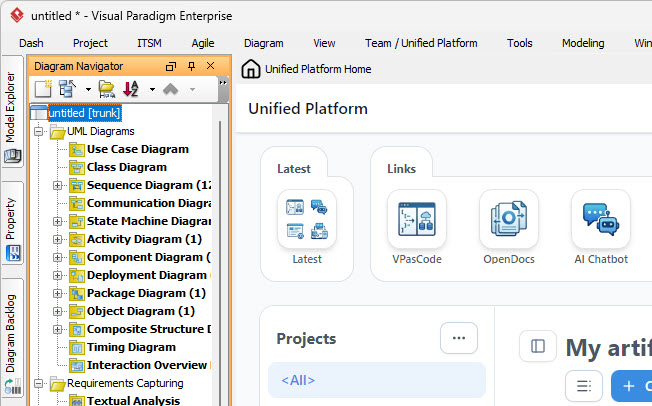
One of the platform’s most innovative design decisions is the way it handles the relationship between desktop and web environments. Users of Visual Paradigm Desktop can open the Unified Platform inside an embedded browser, allowing local enterprise modeling workflows and cloud assets to coexist flawlessly.
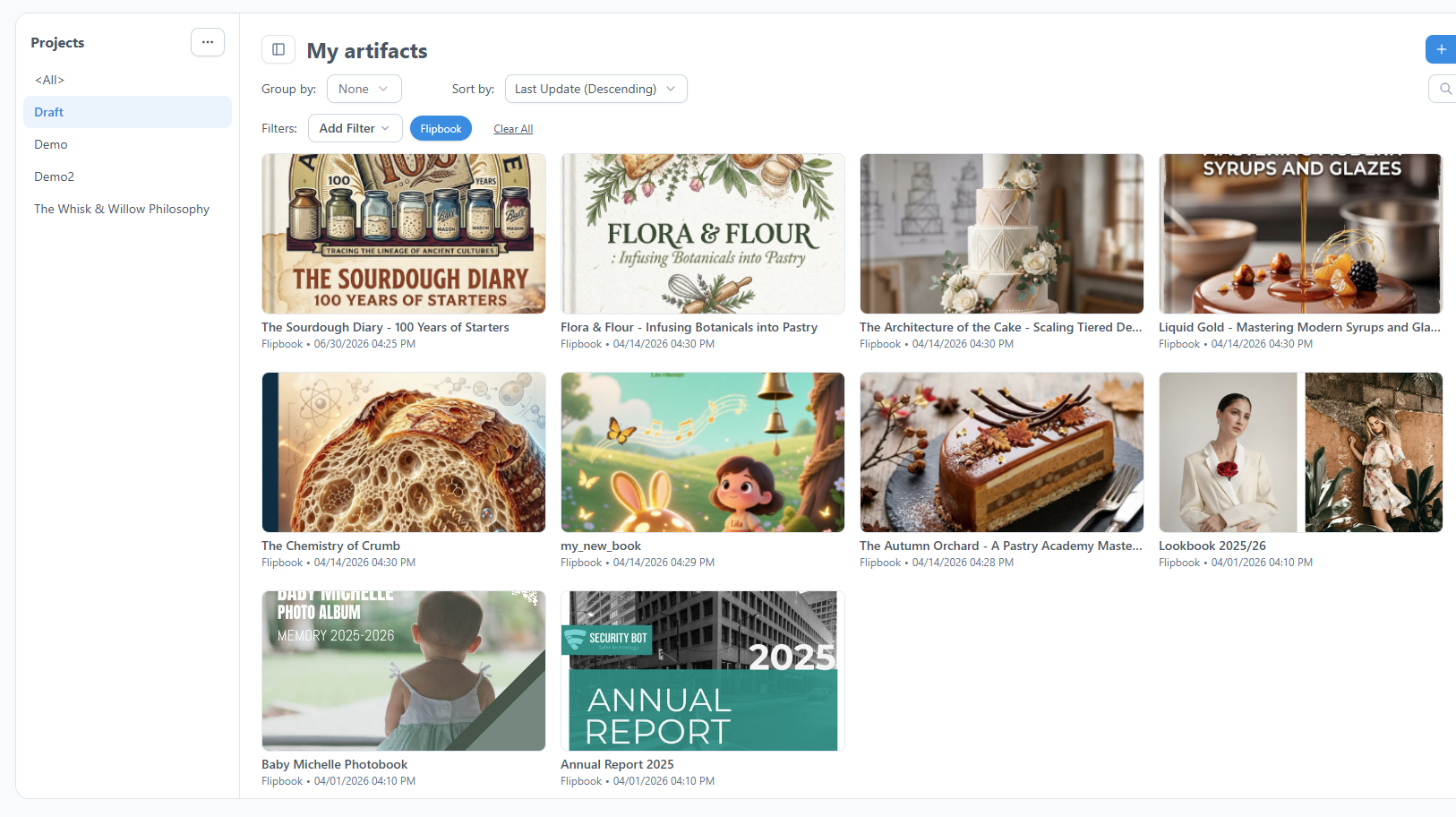
The Unified Drive
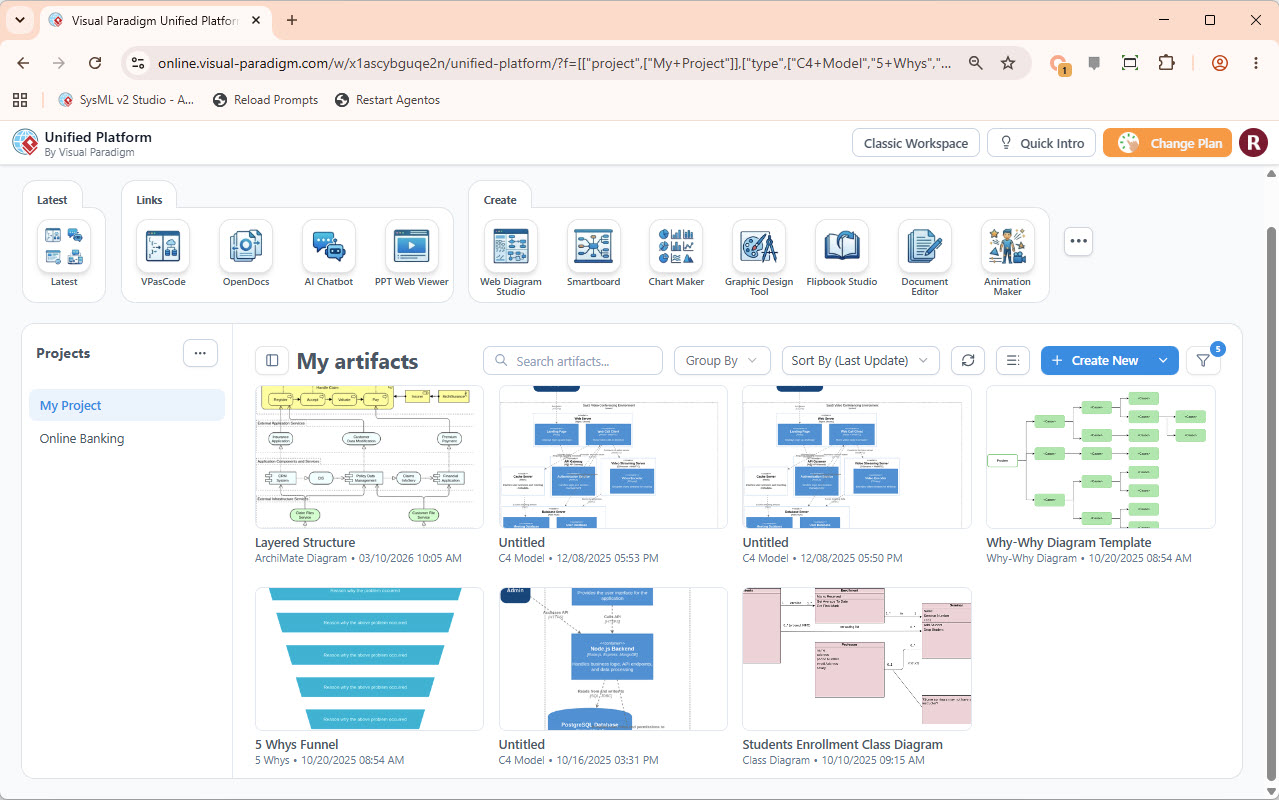
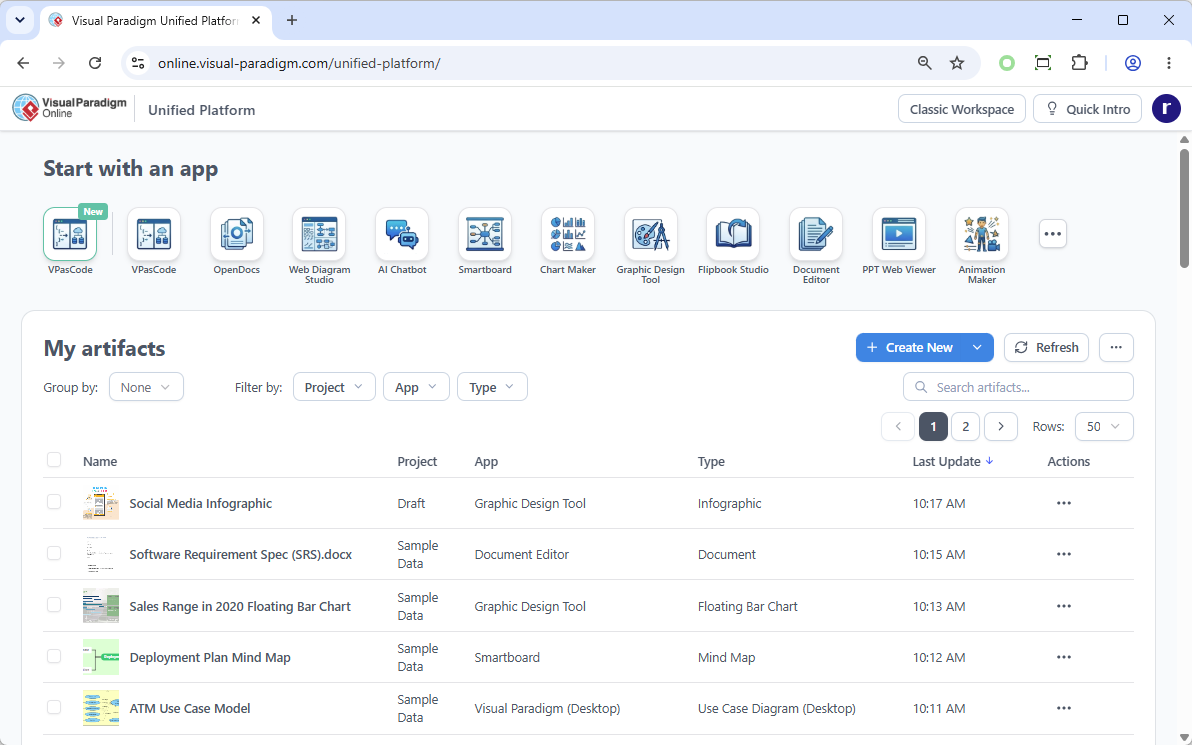
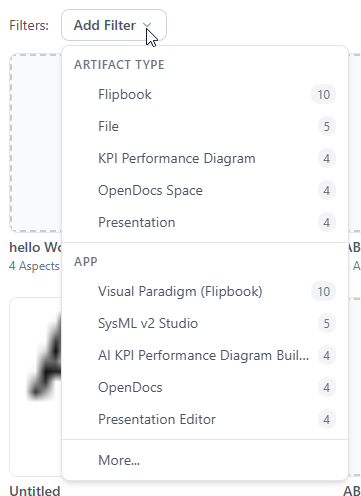
At the heart of the platform is the Unified Drive, a centralized, drive-like environment that automatically organizes every artifact, diagram, or project built across separate apps. Everything is indexed, searchable, and accessible from a single interface.
100+ Specialized Apps Hub
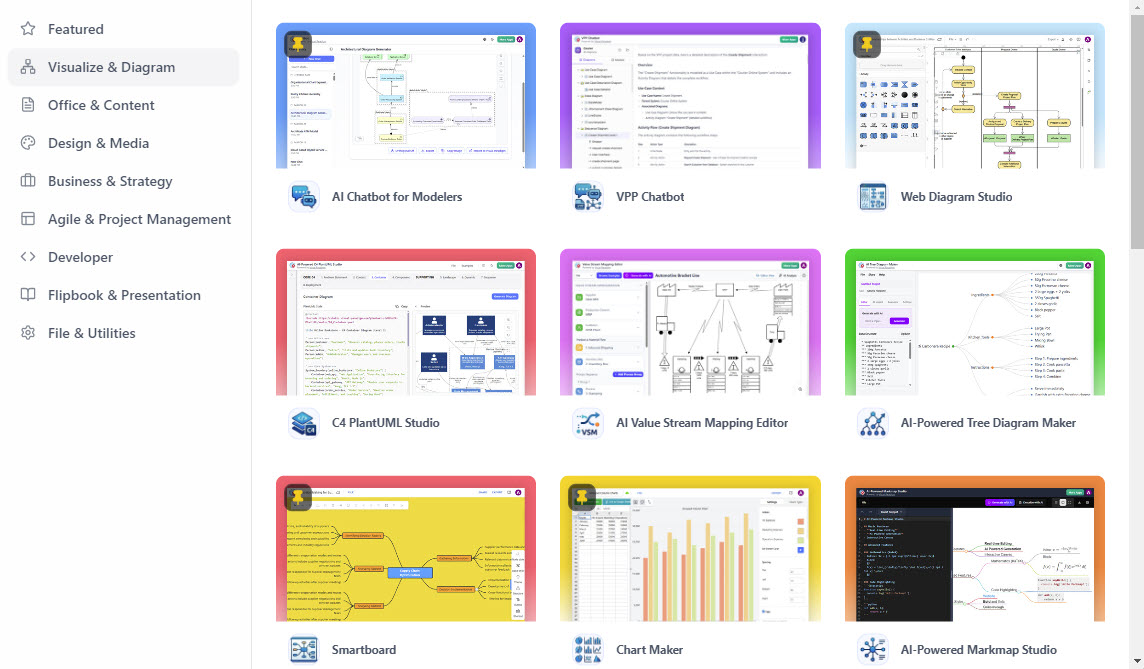
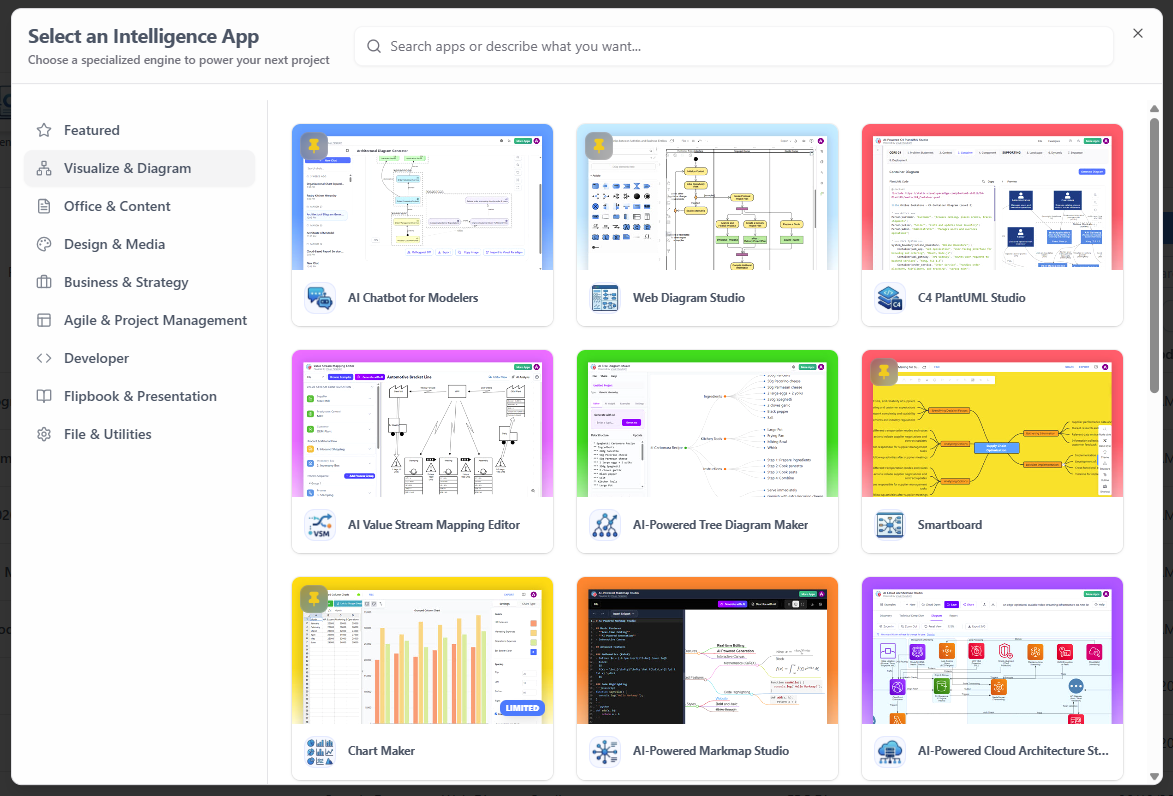
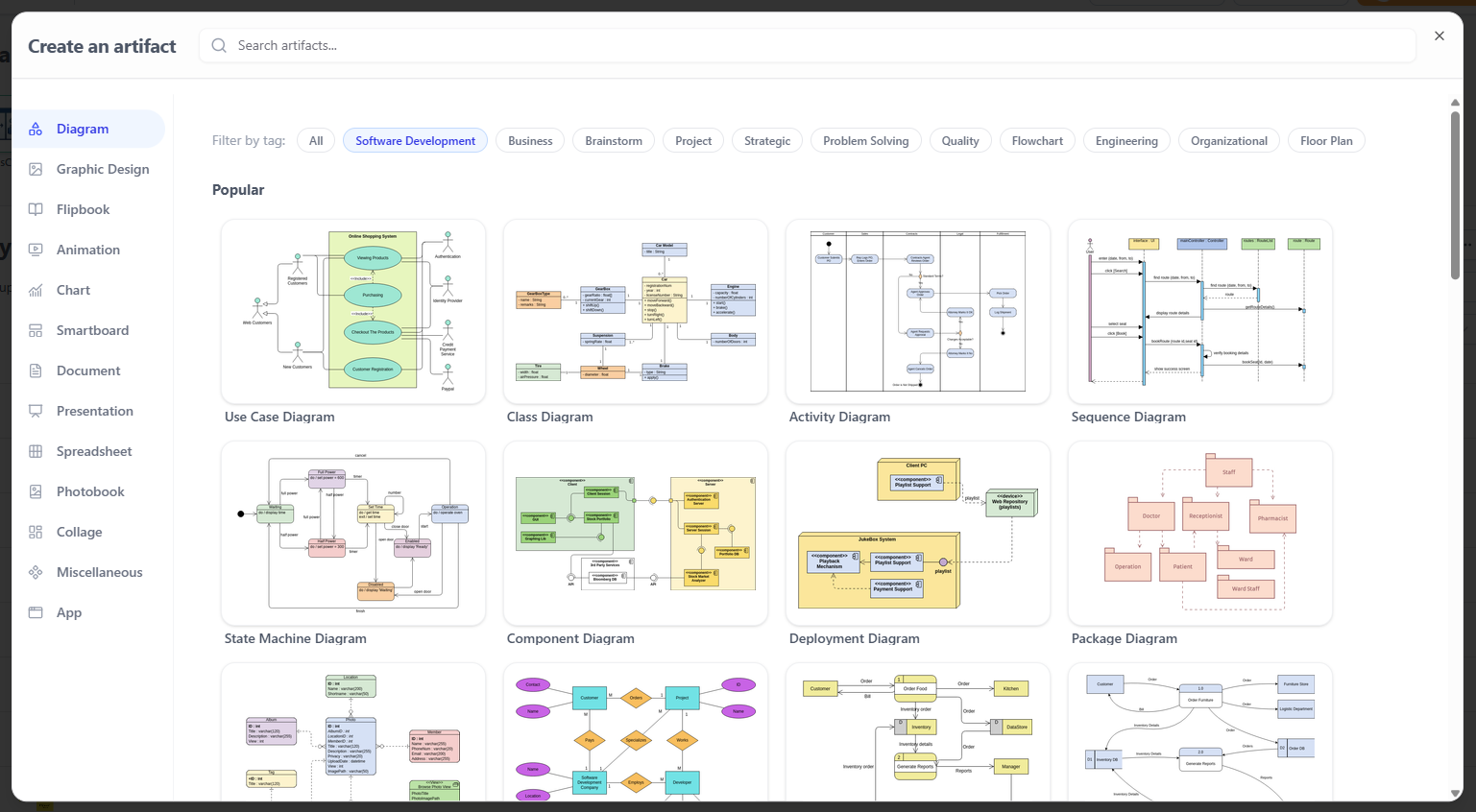
The platform provides a single, categorized dashboard to instantly launch specialized tools spanning a remarkable range of disciplines, from agile planning and infographics to advanced system design and business process modeling.

AI-Powered Ecosystem
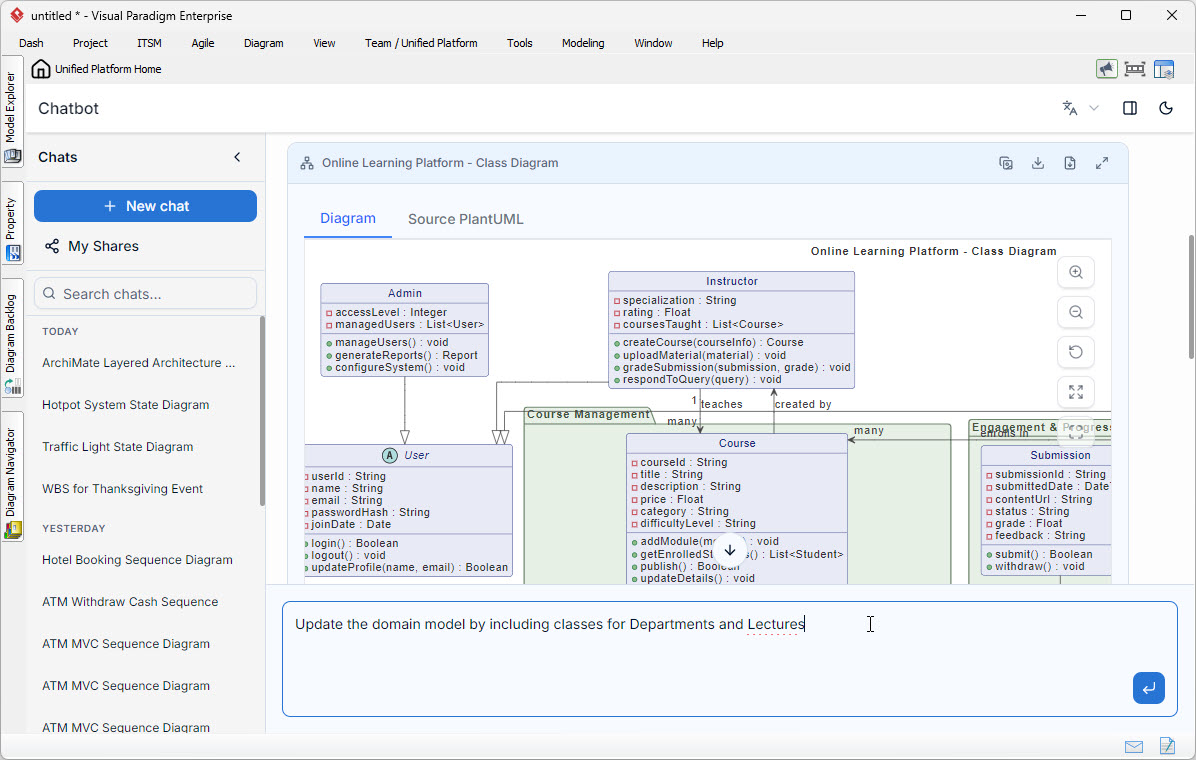
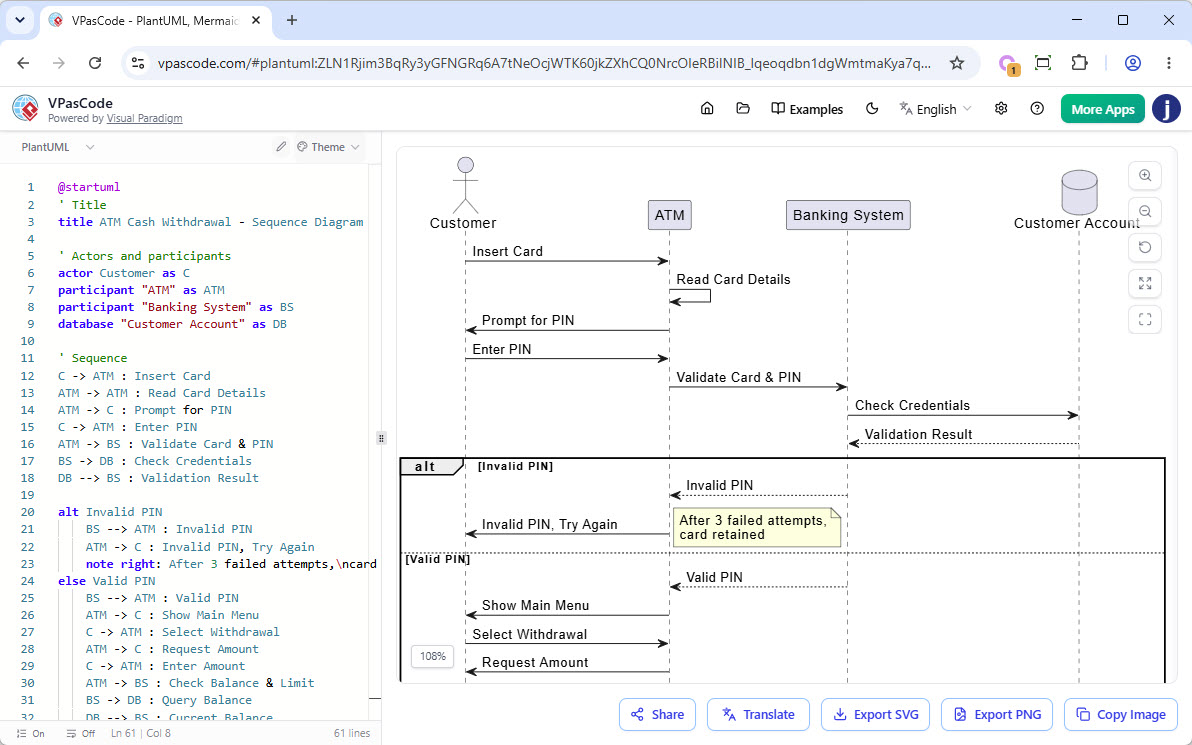
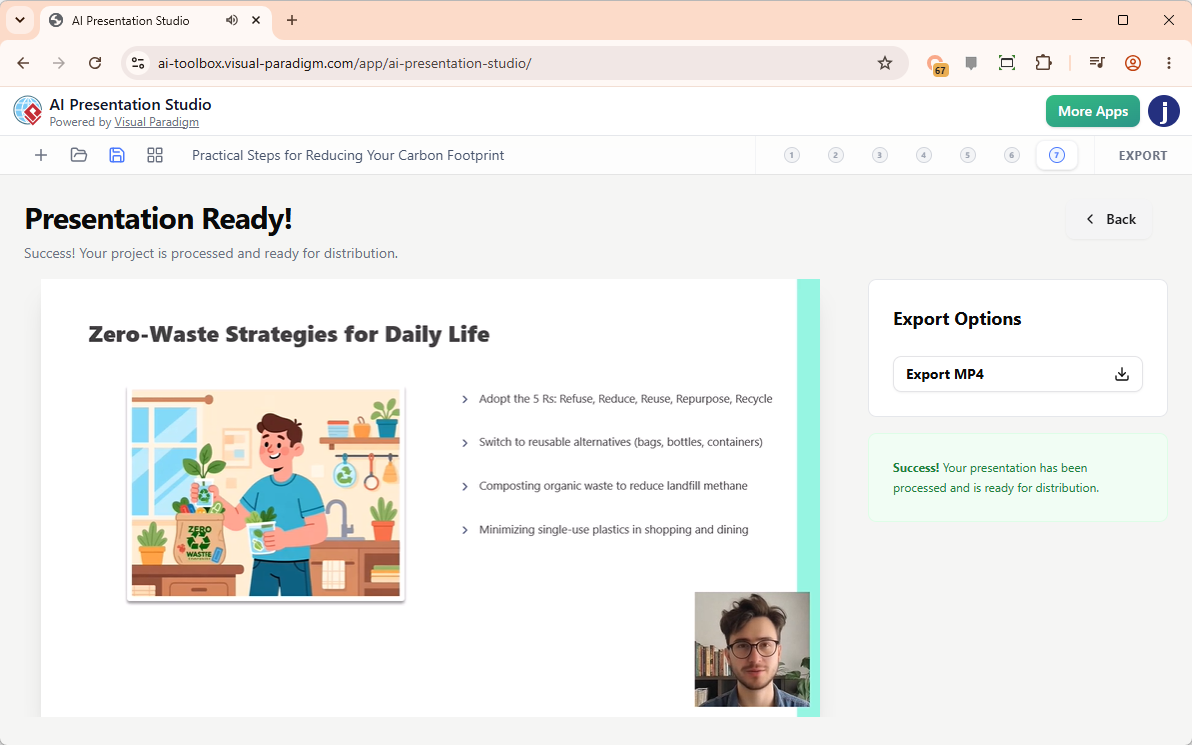
The platform provides direct access to cutting-edge AI features that fundamentally change how visual work gets done, including VPasCode for text-to-diagram generation, AI Presentation Studio, and AI App Studio.
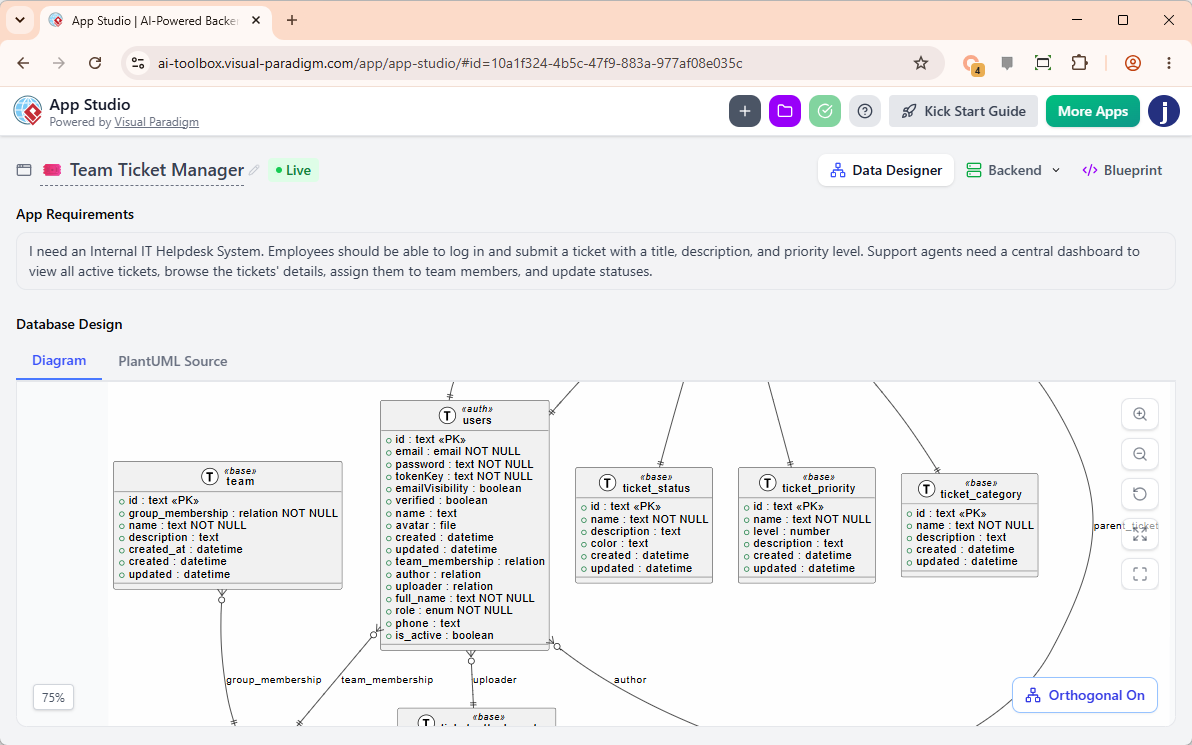
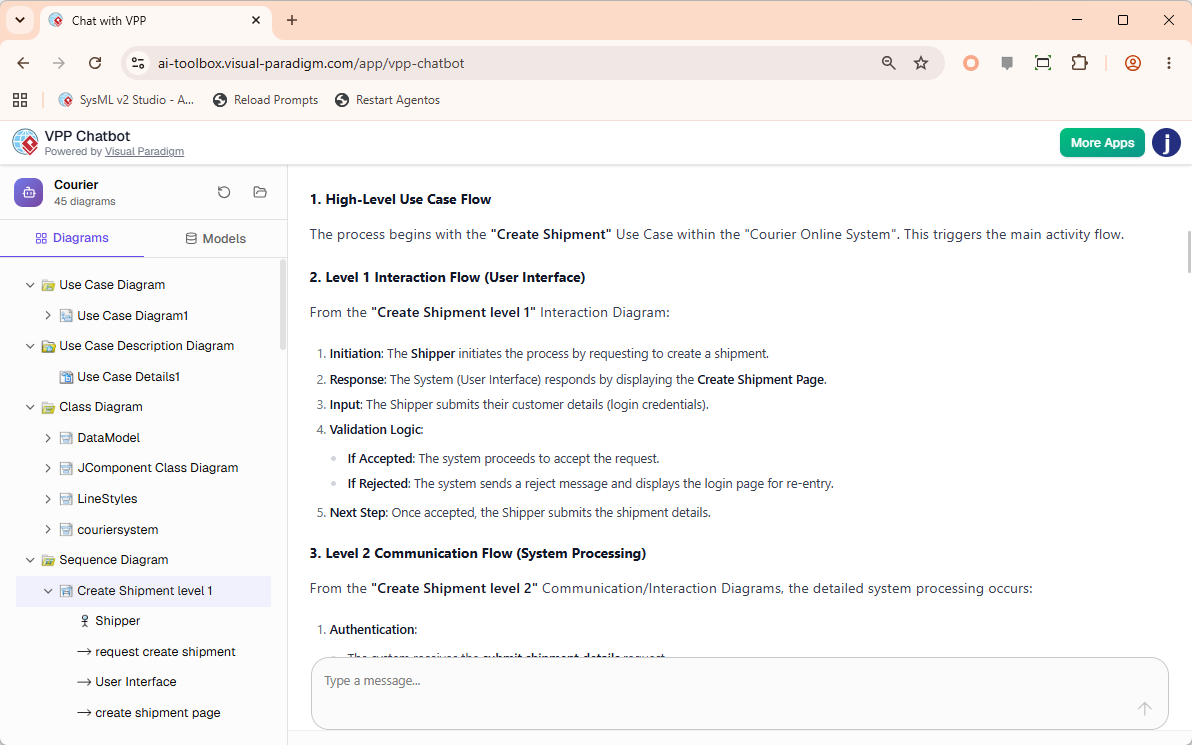
Real-World Scenarios: Transforming Your Desktop Workflow
By embedding the Unified Platform directly into your desktop client, Visual Paradigm eliminates the context-switching that slows down complex projects.
Scenario 1: Connect Heavy System Modeling with Product Requirements
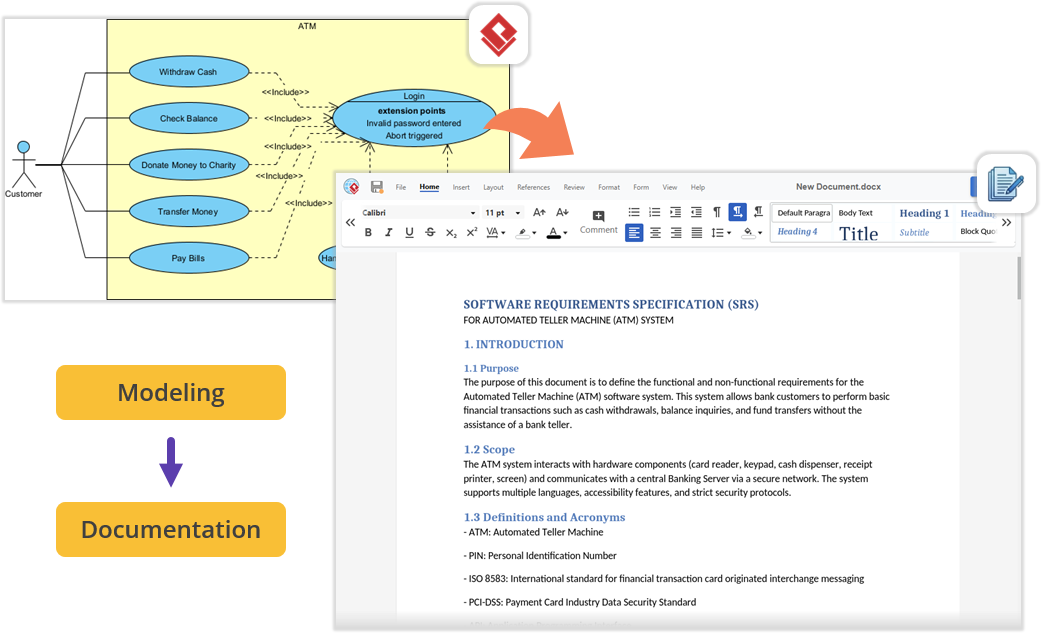
Imagine architecting a new software module using UML or SysML inside Visual Paradigm Desktop. Instead of minimizing the app and opening a local word processor, you can simply open the embedded Unified Platform and launch the Document Editor app to write your requirements documentation right next to your active modeling environment.
Scenario 2: Effortless Documentation via Pipeline and OpenDocs
You can build diagrams locally in VP Desktop and send them to the cloud-based Pipeline. Next, switch over to the OpenDocs app within the Unified Platform panel. You can write your manuals and simply drag-and-drop your desktop-generated diagrams directly into the document canvas. No file exporting, no broken image links, and zero context-switching.
Scenario 3: Supercharge Projects with Agile and Management Tools
Within the same interface where you manage your codebase models, you can now jump into apps dedicated to Stakeholder Management, generate Development Plans, build interactive Gantt Charts, map out a RACI Matrix, or design a prototype site using the Website Builder.
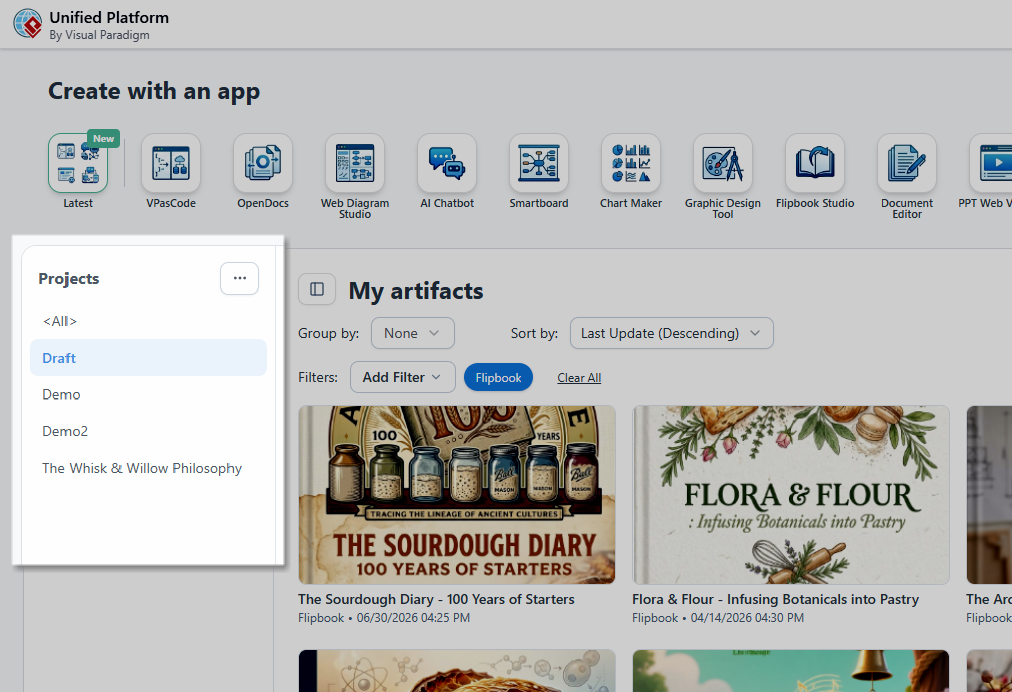
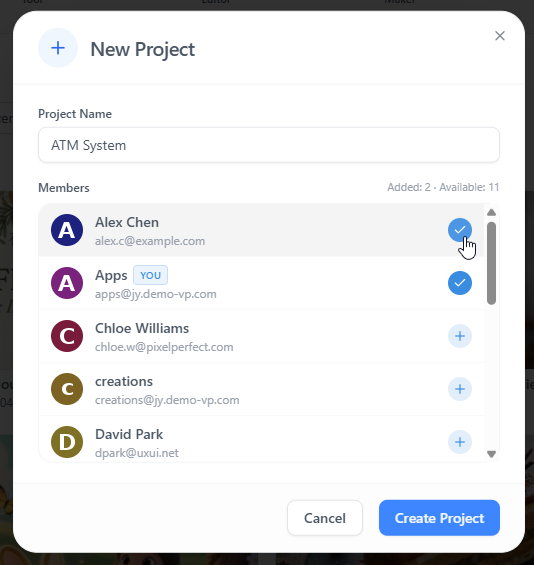
Latest Desktop Product Updates and AI Innovations
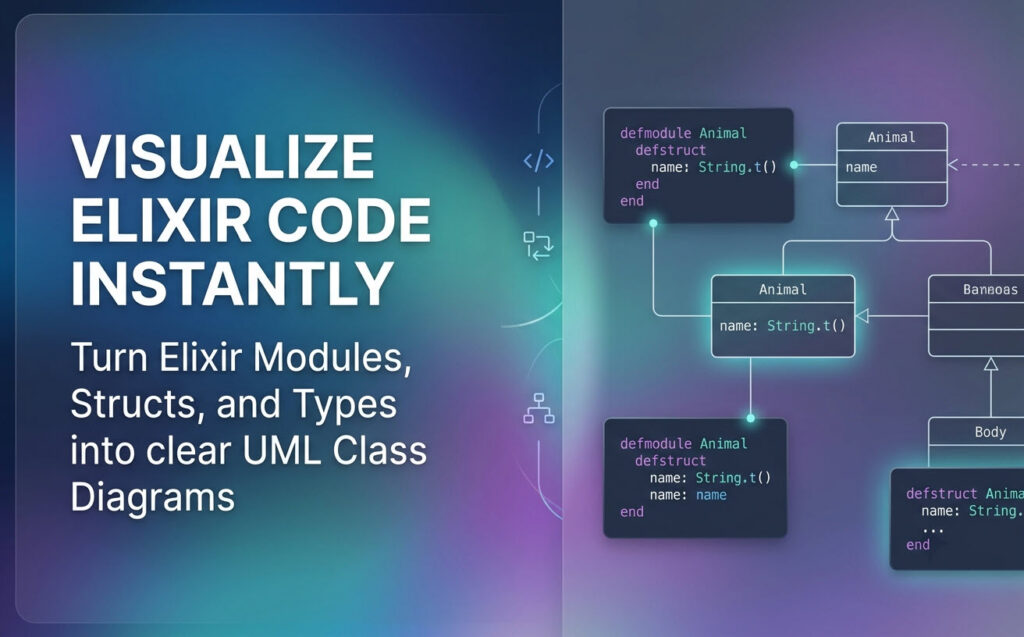
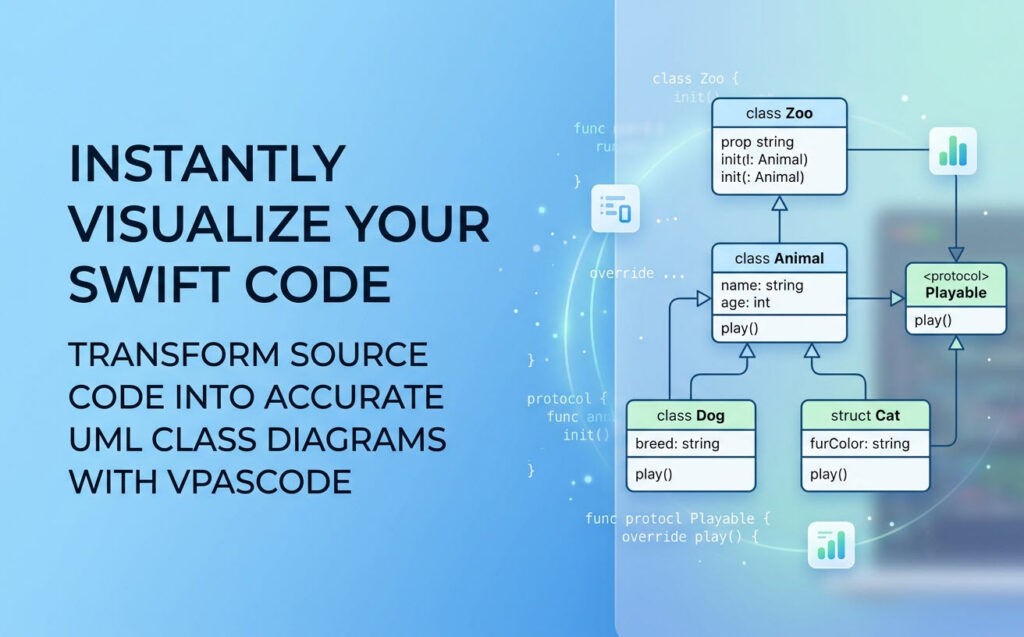
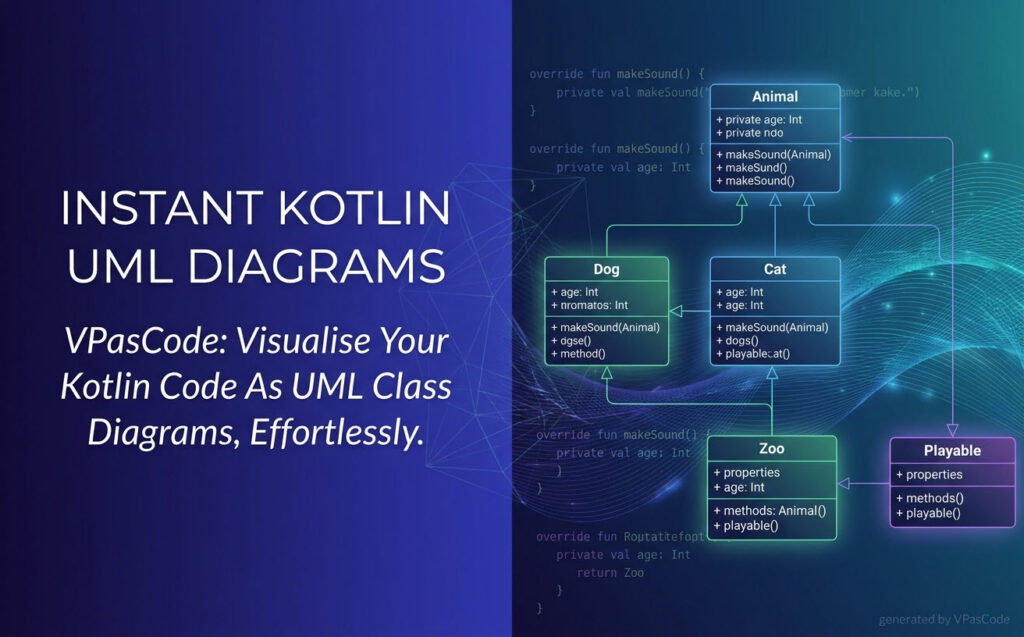
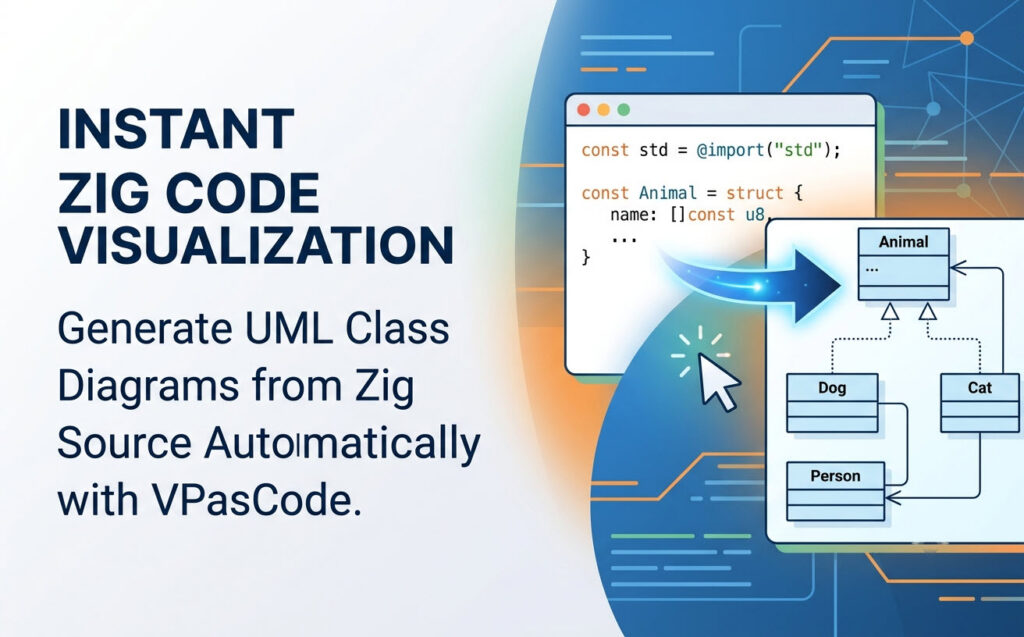
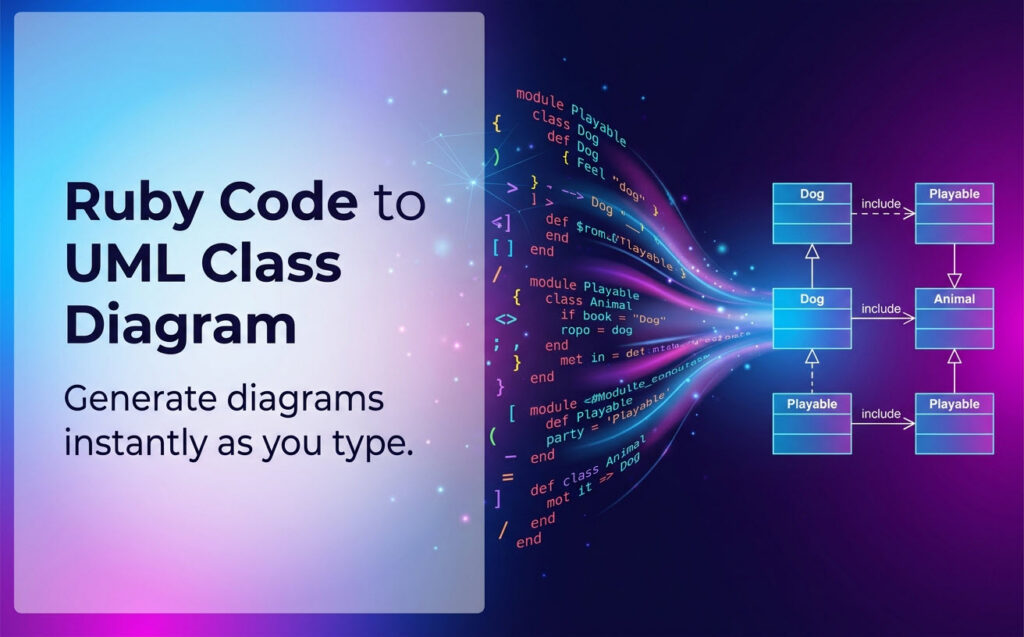
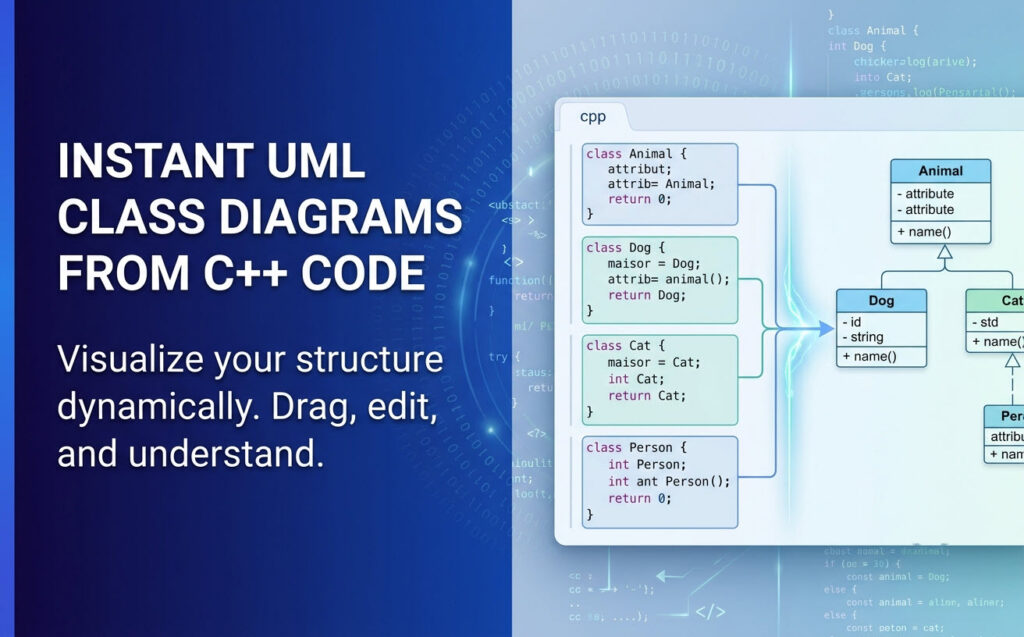
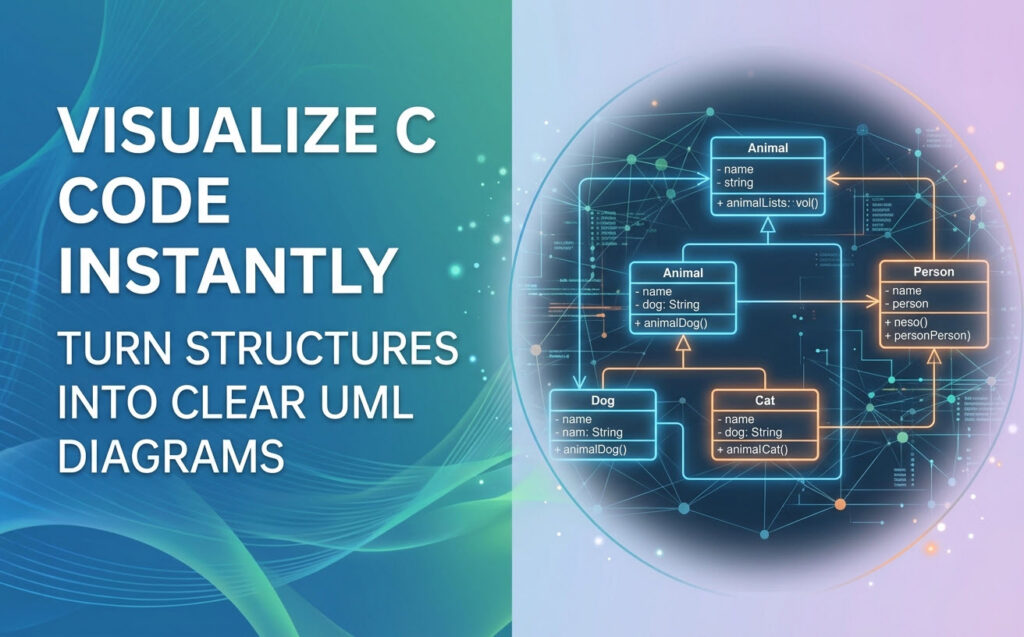
Visual Paradigm 18.1 ushers in a new era of unified ecosystems and AI-driven innovation, with massive enhancements specifically for desktop application integration. The platform now supports instant code-to-UML visualization for a wide array of programming languages, allowing developers to reverse-engineer and visualize their codebases seamlessly.


How to Access the Unified Platform
Getting started with the new ecosystem is incredibly straightforward, whether you prefer working in a browser or inside the desktop software.
For Visual Paradigm Online Users
-
Log into your VP Online account at the official login portal.
-
Upon successful login, you will automatically be redirected to the new Unified Platform dashboard.
-
You can also bookmark and visit the platform directly at any time by navigating to the unified platform URL in your browser.
For Visual Paradigm Desktop Users
-
Ensure you are logged in: To see the Unified Platform menu, you must first connect your desktop application to your cloud repository. Go to the main menu and select Team / Unified Platform > Select Repository and enter your VP Online credentials.
-
Open the Platform: Once logged in, simply navigate to Team / Unified Platform > Unified Platform in the main menu.
-
An embedded browser will open directly inside your workspace, revealing the centralized cloud drive and your entire app ecosystem.
Conclusion
The Visual Paradigm Unified Platform represents more than just a new product launch; it is a reimagining of how professionals and teams approach visual work in an increasingly complex digital landscape. By eliminating the artificial boundaries between desktop and cloud, between specialized tools, and between human creativity and artificial intelligence, Visual Paradigm has created an ecosystem that respects the way people actually work.
For individuals, the platform offers the freedom to focus on ideas rather than tool management. For teams, it provides a shared space where collaboration happens naturally, without the friction of incompatible file formats or disconnected workflows. For organizations, it delivers the enterprise-grade capabilities needed for serious system design and architecture work, wrapped in an interface that remains accessible to non-technical stakeholders.
As the platform continues to evolve, its integration of AI-driven tools and upcoming unified project concepts suggest a future where the gap between thought and visualization continues to narrow. Whether you are a product manager mapping out a roadmap, a software architect designing complex systems, or a creative professional building presentations, the Unified Platform offers a compelling vision of what truly integrated productivity looks like.
Reference List
- Announcing the All-New Visual Paradigm Unified Platform: Official announcement detailing the launch and core philosophy of the platform.
- Mastering the Visual Paradigm Unified Platform: Comprehensive guide exploring features and practical usage scenarios.
- Visual Paradigm Unified Platform: Quick Introduction: Beginner-friendly introduction to accessing and using the platform.
- Unified Platform: Project Management UI Enhancements: Updates on project management interface improvements and new features.
- What is the Unified Platform in Visual Paradigm?: Official product page explaining the platform’s role and capabilities.
- Ultimate Guide to a Seamless Creative Ecosystem: Deep dive into how the platform unifies desktop and cloud workflows.
- Introducing Visual Paradigm 18.1: A New Era of Unified Ecosystems: Overview of version 18.1’s unified ecosystem and AI-driven innovation.
- Visual Paradigm Desktop Product Updates: Latest updates and enhancements specifically for desktop application integration.
- Visual Paradigm Updates Hub: Central repository for all release notes and product updates regarding the platform.
- Visual Paradigm Online: Unified Platform: Direct access to the cloud-based entry point for the Unified Platform experience.