
Introduction
In the fast-paced world of software development and product management, clear communication is paramount. Whether you are mapping out a complex microservices architecture, defining user authentication flows, or planning a product roadmap, visual diagrams are indispensable. However, traditional drag-and-drop diagramming tools can be slow, rigid, and difficult to version control.
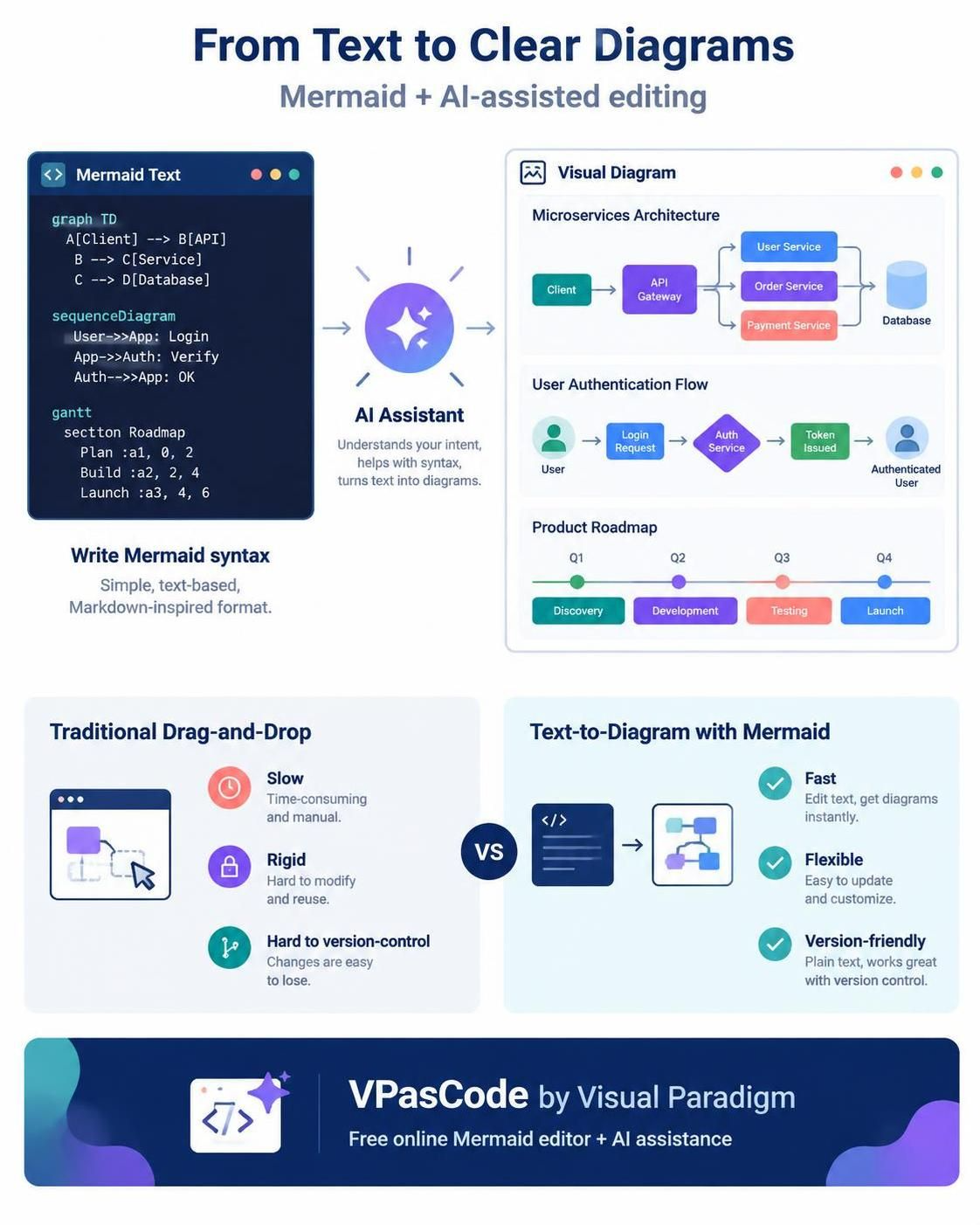
Enter Mermaid, a JavaScript-based diagramming and charting tool that renders Markdown-inspired text definitions to create and modify diagrams dynamically. But writing Mermaid syntax manually can have a steep learning curve. This is where VPasCode by Visual Paradigm changes the game. By combining a robust, free online Mermaid editor with powerful AI assistance, VPasCode allows you to craft professional-grade diagrams effortlessly. This guide will walk you through leveraging this tool to supercharge your workflow.
Key Concepts: Why Diagram-as-Code?
Before diving into the tool, it’s essential to understand why “Diagram-as-Code” is becoming the standard for modern teams:
-
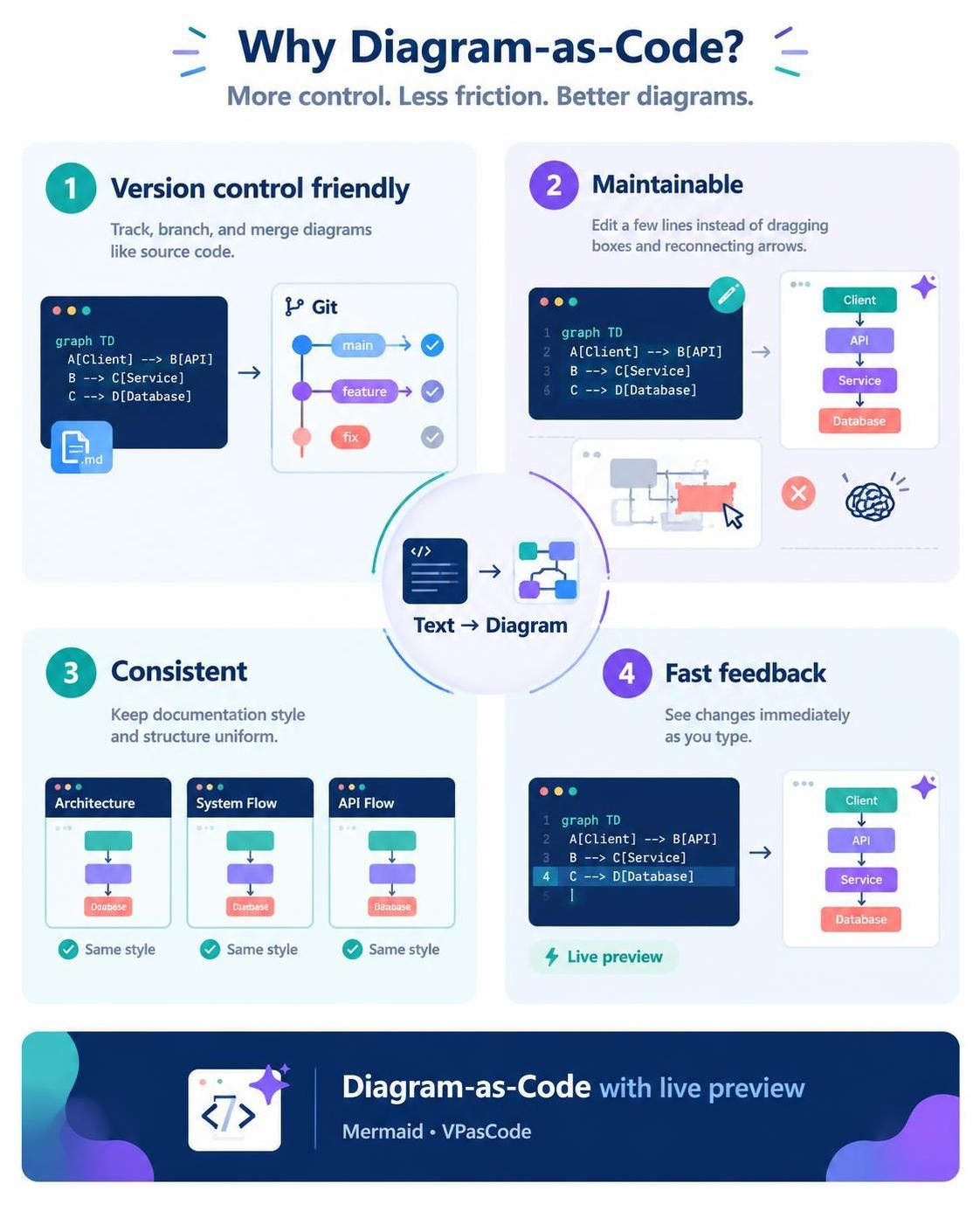
Version Control Friendly: Since diagrams are stored as text files, they can be committed to Git, allowing you to track changes, branch, and merge just like source code.
-
Maintainability: Updating a diagram is as simple as editing a few lines of text rather than resizing boxes and reconnecting arrows in a GUI.
-
Consistency: Code-based diagrams enforce a consistent style and structure across your documentation.
-
Speed: With live preview editors like VPasCode, you see results instantly as you type.
Tooling Spotlight: Visual Paradigm VPasCode
VPasCode is not just another text editor; it is a comprehensive online Mermaid tool designed for speed and intelligence.
Core Features
-
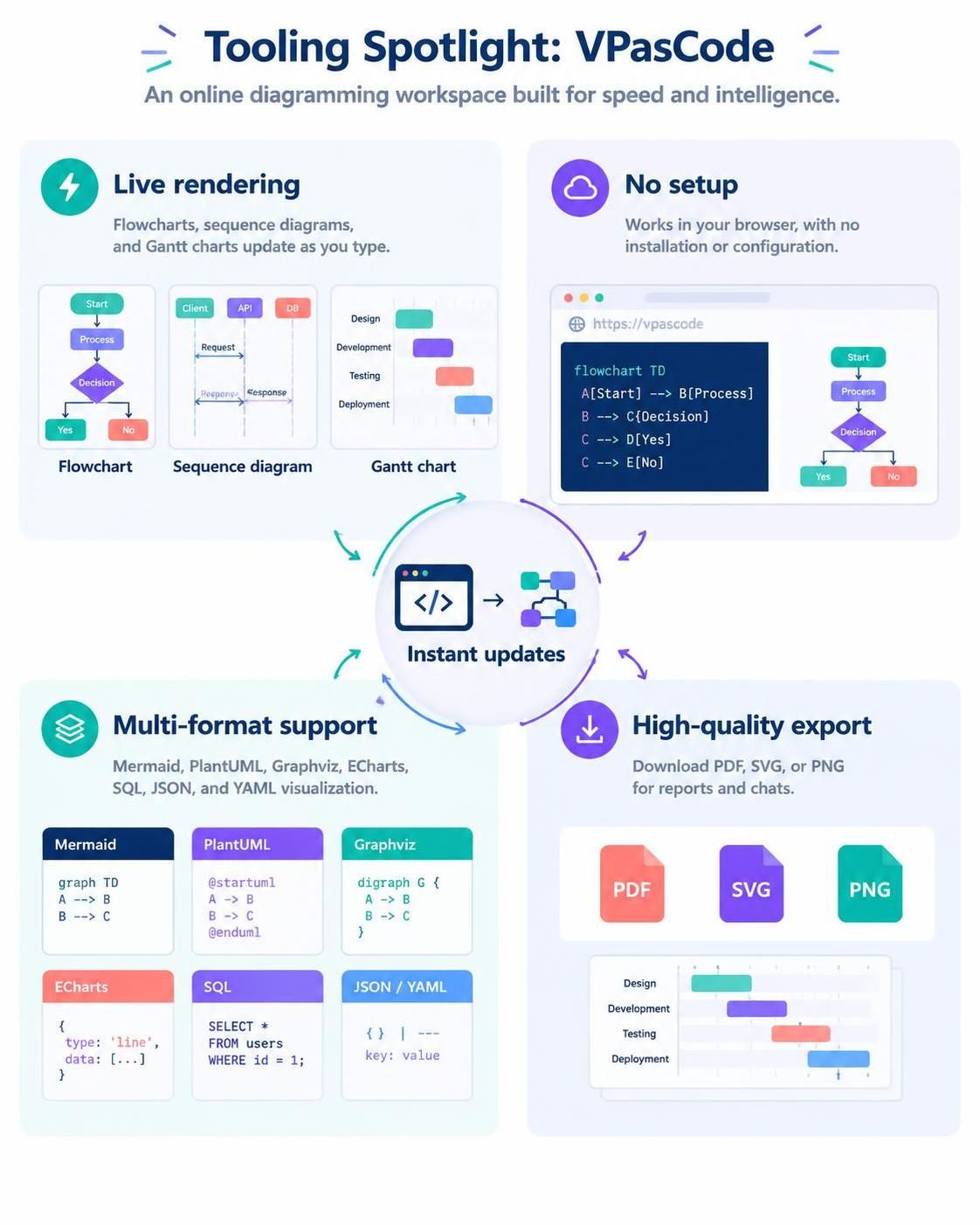
Live Rendering: See your flowcharts, sequence diagrams, and Gantt charts update in real-time as you type.
-
No Setup Required: Works directly in your browser—no installations or configurations needed.
-
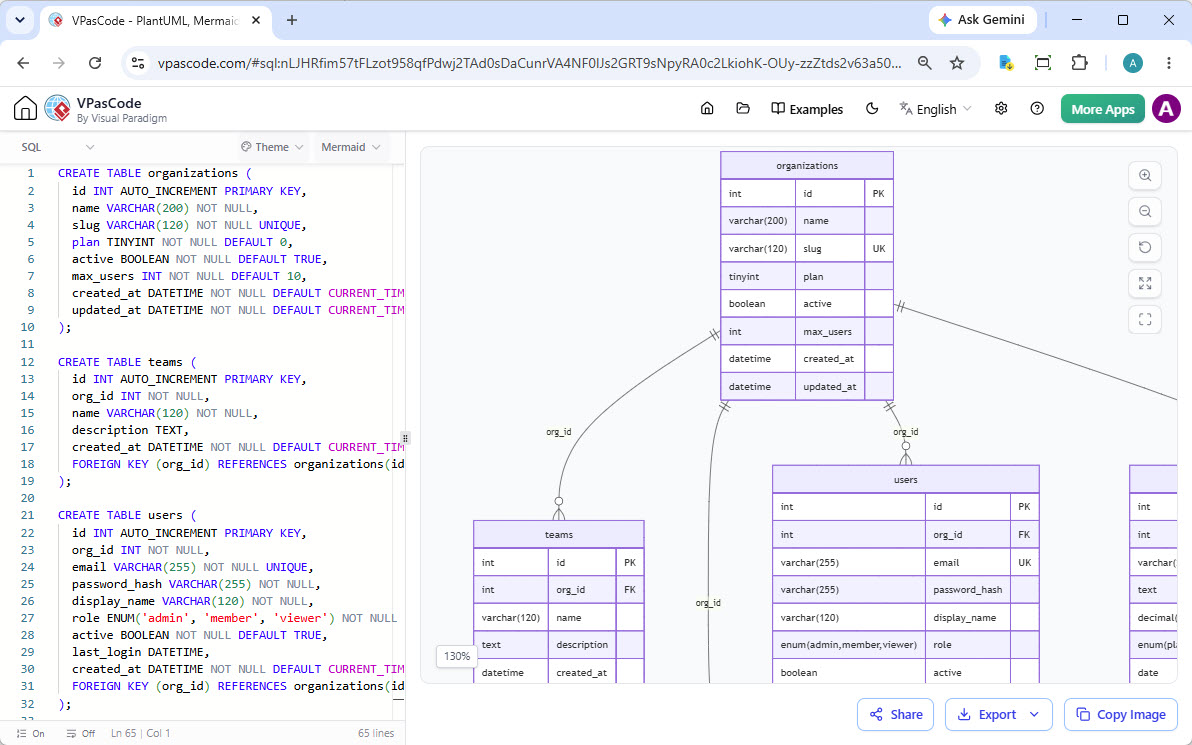
Multi-Format Support: While specialized for Mermaid, it also supports PlantUML, Graphviz, ECharts, SQL, JSON, and YAML visualization.
-
High-Quality Export: Download your creations as crisp PDFs, flexible SVGs, or quick PNGs for immediate use in reports or chats.
Supercharging Your Workflow with AI
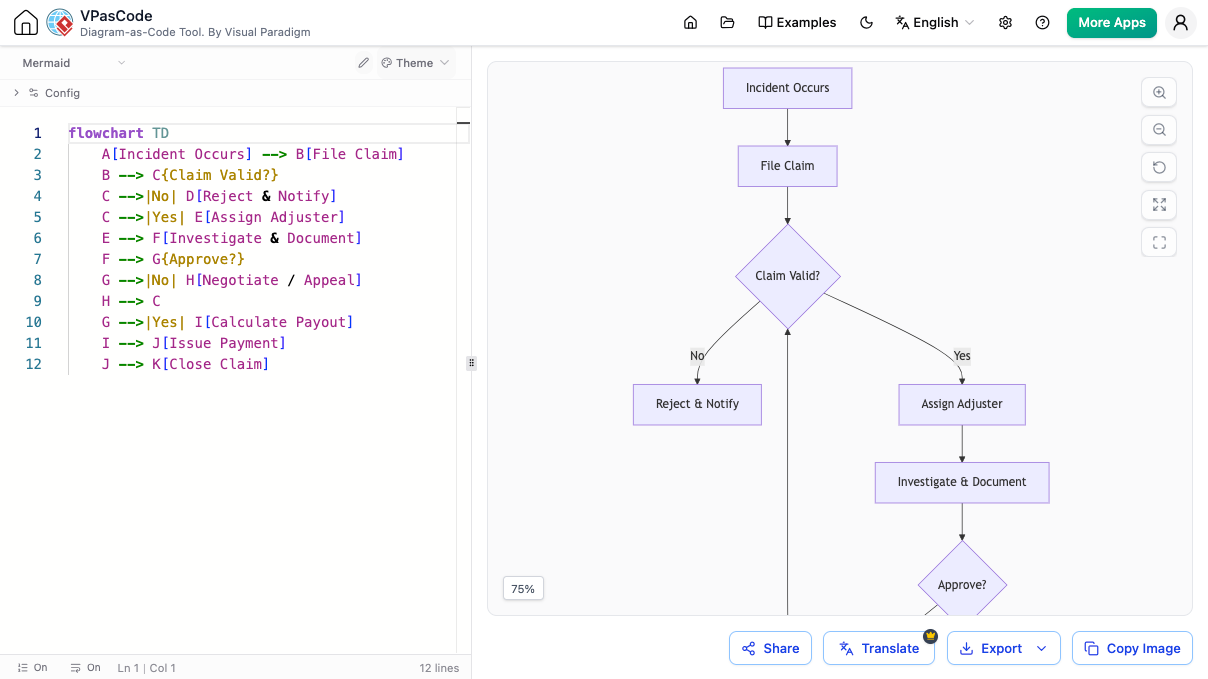
The standout feature of VPasCode is its integration of Artificial Intelligence, which transforms how you interact with diagramming code.
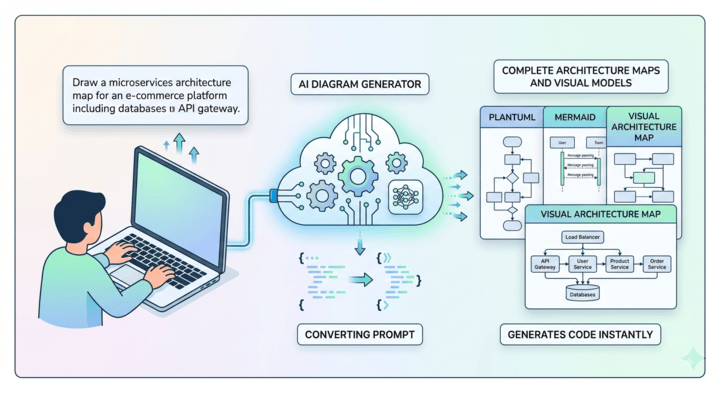
1. AI Mermaid Diagram Generator
Stop struggling with syntax. Simply type in your idea in natural language, and the built-in AI Mermaid generator will construct the code for you.
-
Example Prompt: “Create a sequence diagram for a user logging in via OAuth2.”
-
Result: Instantly generated, syntactically correct Mermaid code.
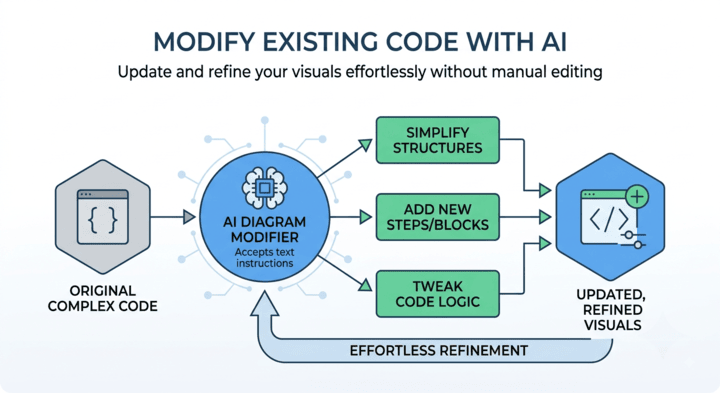
2. AI Script Modification & Refinement
Need to adjust relationships or add new steps? Tell the assistant to modify the existing code. You can inject blocks, trim loops, or change styles without manually hunting through strings of text.
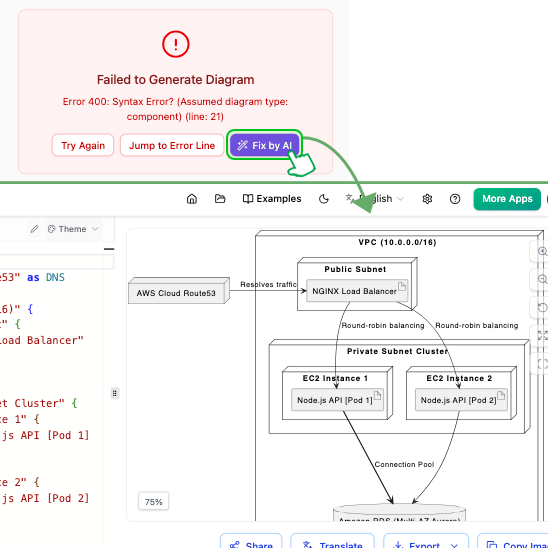
3. One-Click Syntax Fixing
Syntax errors can halt progress. VPasCode’s AI identifies mistakes and offers one-click fixes, explaining the correction so you can learn and master Mermaid syntax over time.
4. AI Translation for Global Teams
Working on international projects? Use the built-in AI translation feature to instantly convert diagram text into different languages, facilitating smoother global collaboration.
5. Custom AI Endpoint Support
For enterprise users concerned with data privacy, VPasCode allows you to integrate your own API credentials from providers like OpenAI, Anthropic, Google, DeepSeek, Mistral, Qwen, and Groq. This ensures you retain complete management over data handling and operational costs.
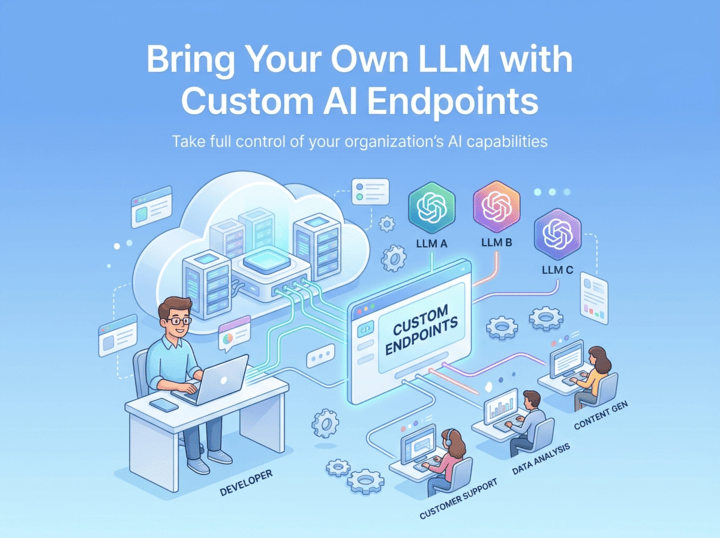
Diagram Examples using Mermaid Code
Here are some common diagrams you can create instantly with VPasCode.
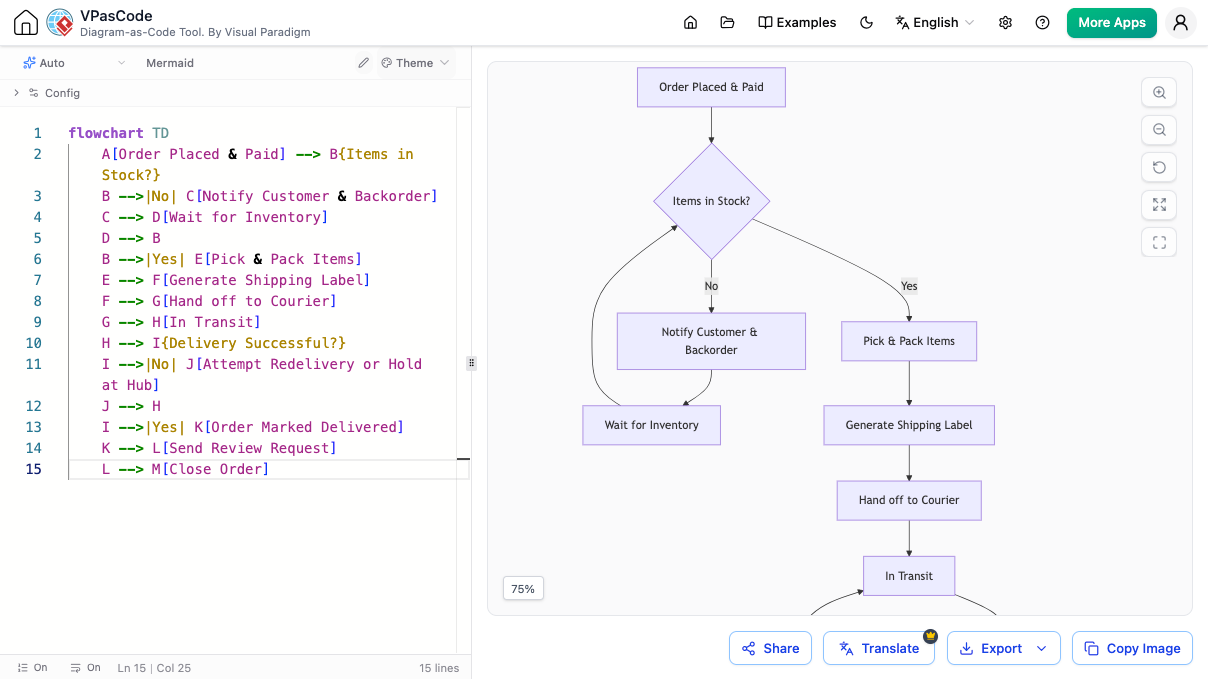
1. Flowchart: E-commerce Order Fulfillment
Visualize the logic of an order process.
graph TD
    A[Start] --> B{Is Item in Stock?}
    B -- Yes --> C[Reserve Item]
    B -- No --> D[Notify Customer]
    C --> E[Process Payment]
    E --> F{Payment Success?}
    F -- Yes --> G[Ship Order]
    F -- No --> H[Cancel Order]
    G --> I[End]
    H --> I
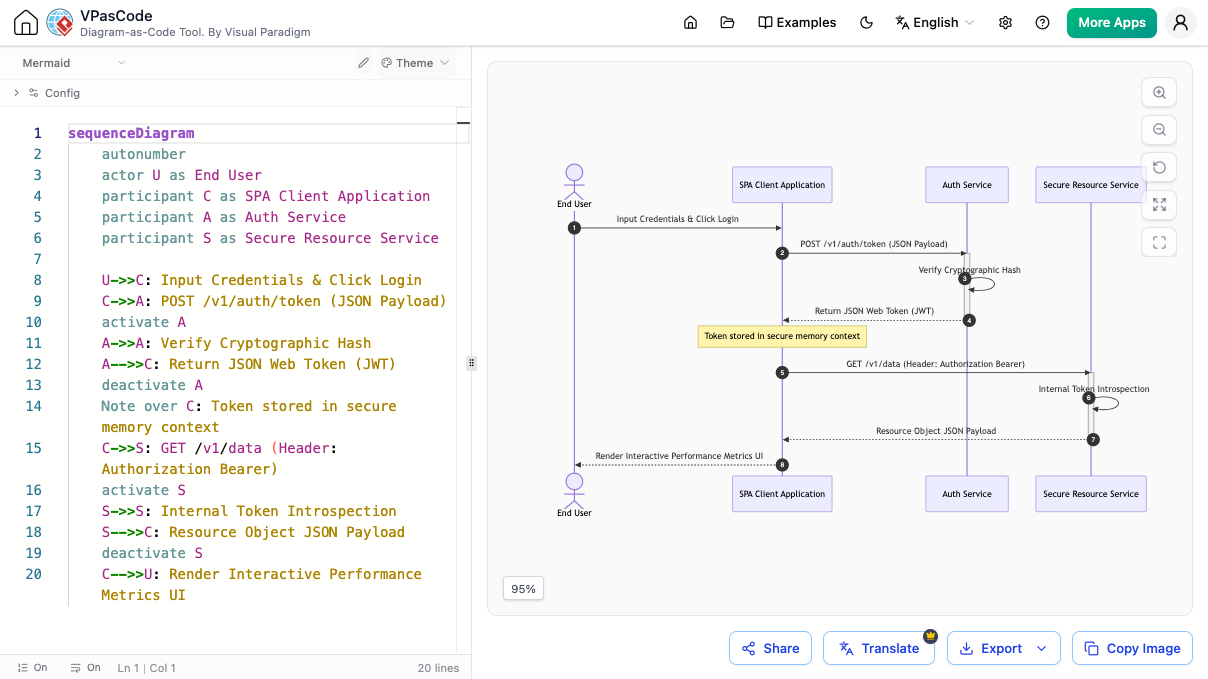
2. Sequence Diagram: User Authentication
Map out the interaction between a user, client, and server.
sequenceDiagram
    participant User
    participant Client
    participant Server
    User->>Client: Enter Credentials
    Client->>Server: POST /login
    Server-->>Client: Return JWT Token
    Client-->>User: Login Success
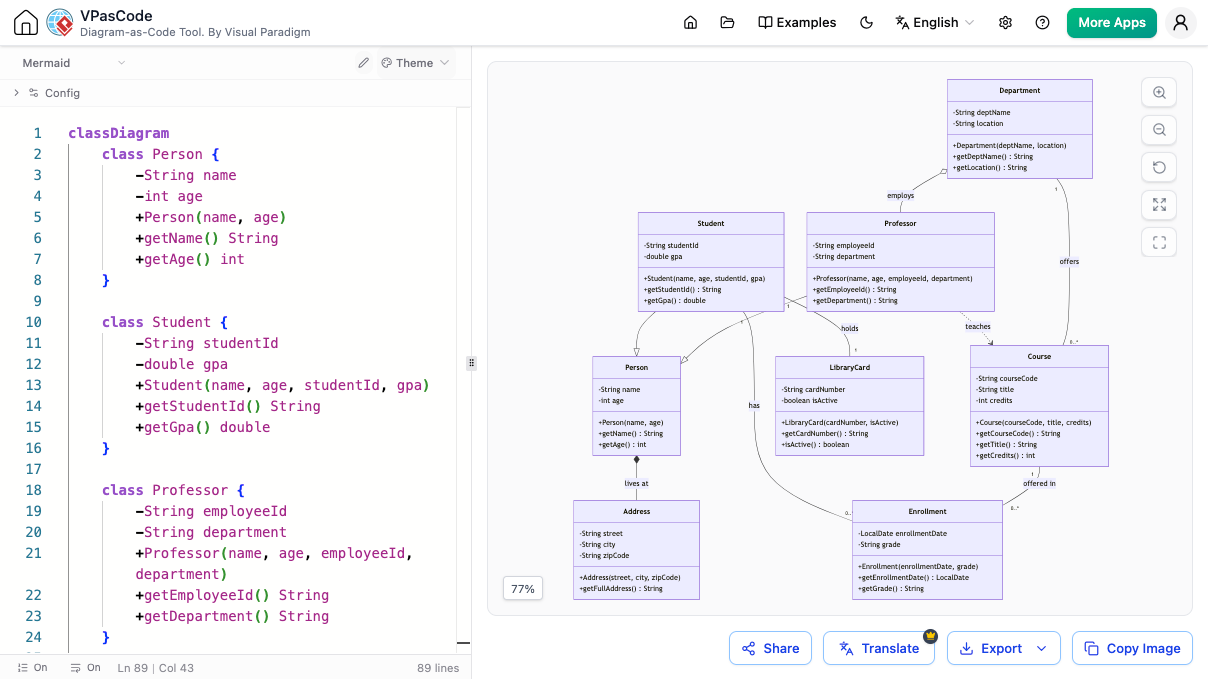
3. Class Diagram: University System
Define the structure of objects and their relationships.
classDiagram
    class Student {
        +String name
        +int id
        +enroll()
    }
    class Course {
        +String title
        +String code
        +addStudent()
    }
    Student --> Course : enrolls in
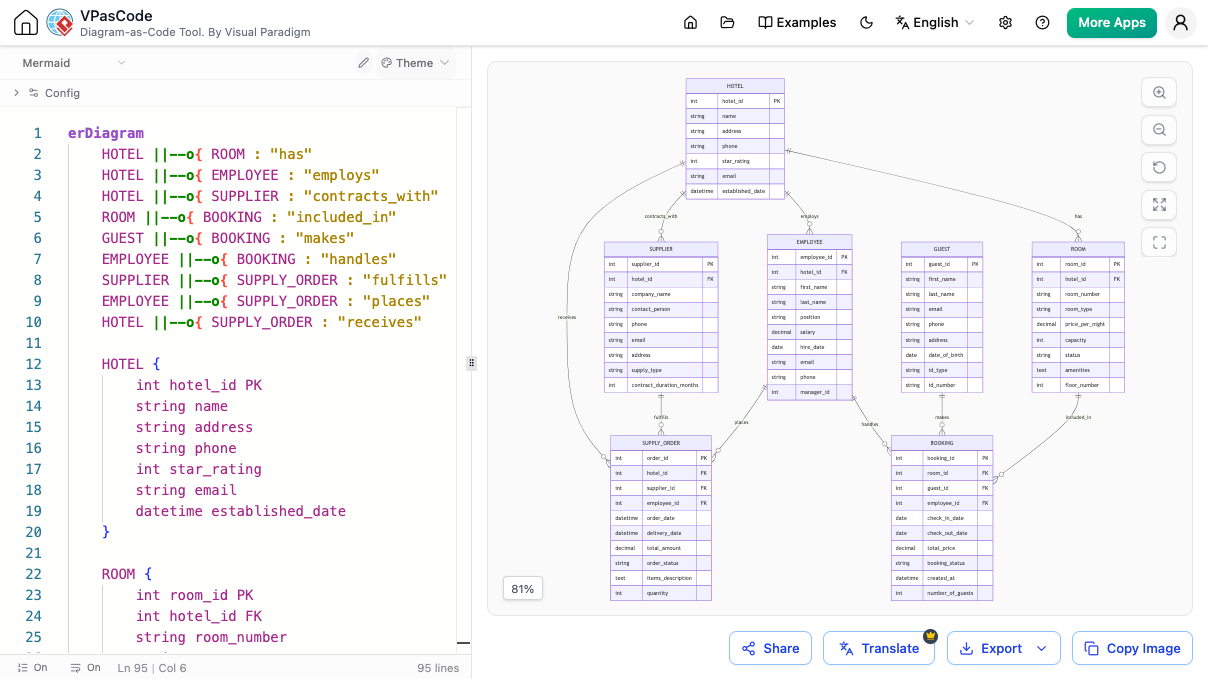
4. Entity-Relationship Diagram (ERD): Hotel Management
Visualize database structures.
erDiagram
    CUSTOMER ||--o{ BOOKING : places
    HOTEL ||--o{ ROOM : has
    ROOM ||--o{ BOOKING : reserved by
    CUSTOMER {
        string name
        string email
    }
    HOTEL {
        string name
        string address
    }
    ROOM {
        int number
        string type
    }
Seamless Integration with the Visual Paradigm Suite
VPasCode is part of a larger ecosystem that streamlines the journey from concept to documentation.
Generate with AI, Perfect with VPasCode
Use the Visual Paradigm AI Diagramming Chatbot to brainstorm and generate initial diagram concepts from plain text. Then, open the generated code in VPasCode to refine details, adjust styling, or fix syntax.

Connect Diagramming to Documentation
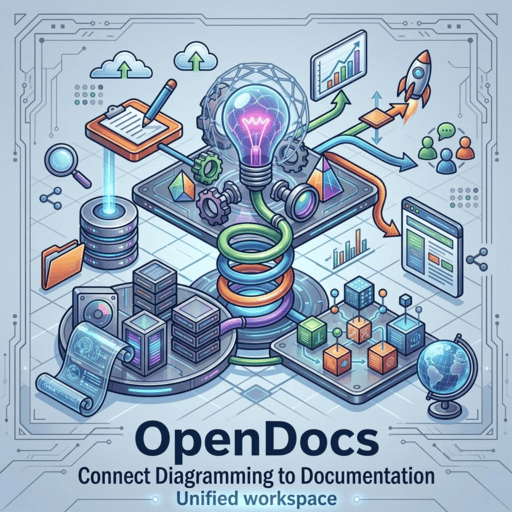
A diagram is often part of a larger story. With one click, send your finished work from VPasCode directly to Visual Paradigm OpenDocs to create rich, shareable knowledge bases and project documentation.
A Unified Platform for All Your Code-Based Diagrams
While VPasCode excels as a Mermaid editor, it is a unified environment for various diagramming standards.
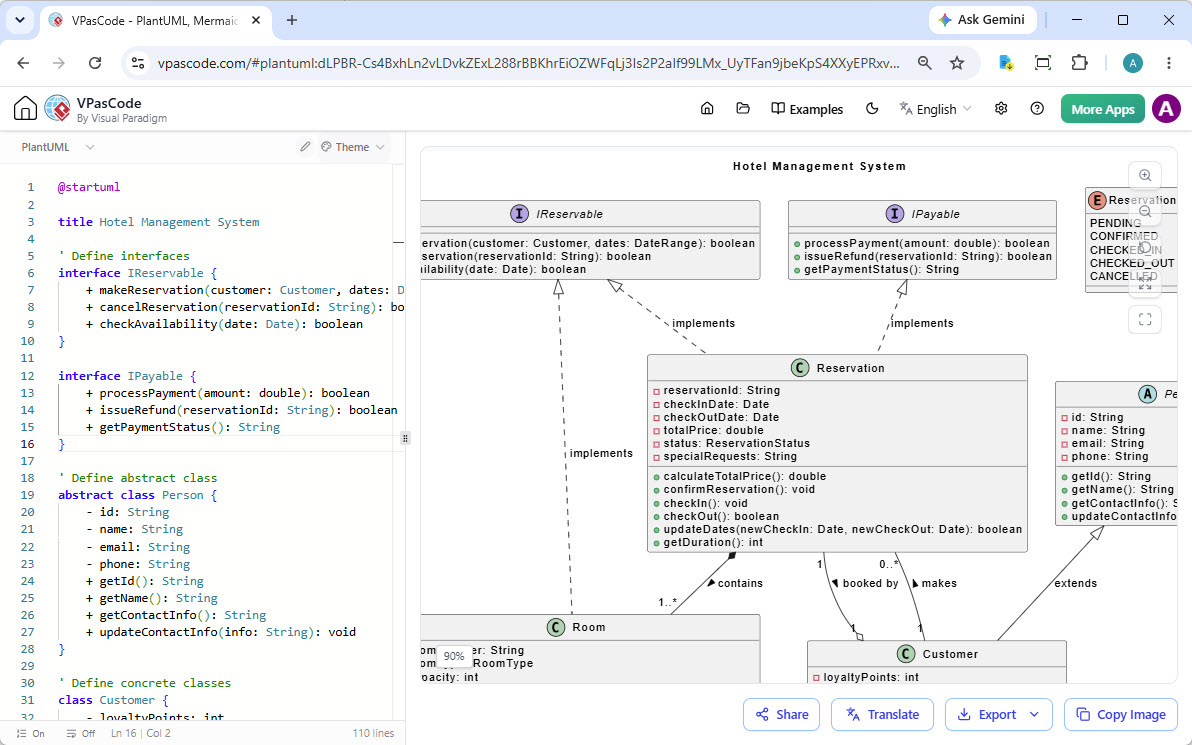
PlantUML Support
Create UML, ArchiMate, and C4 diagrams.
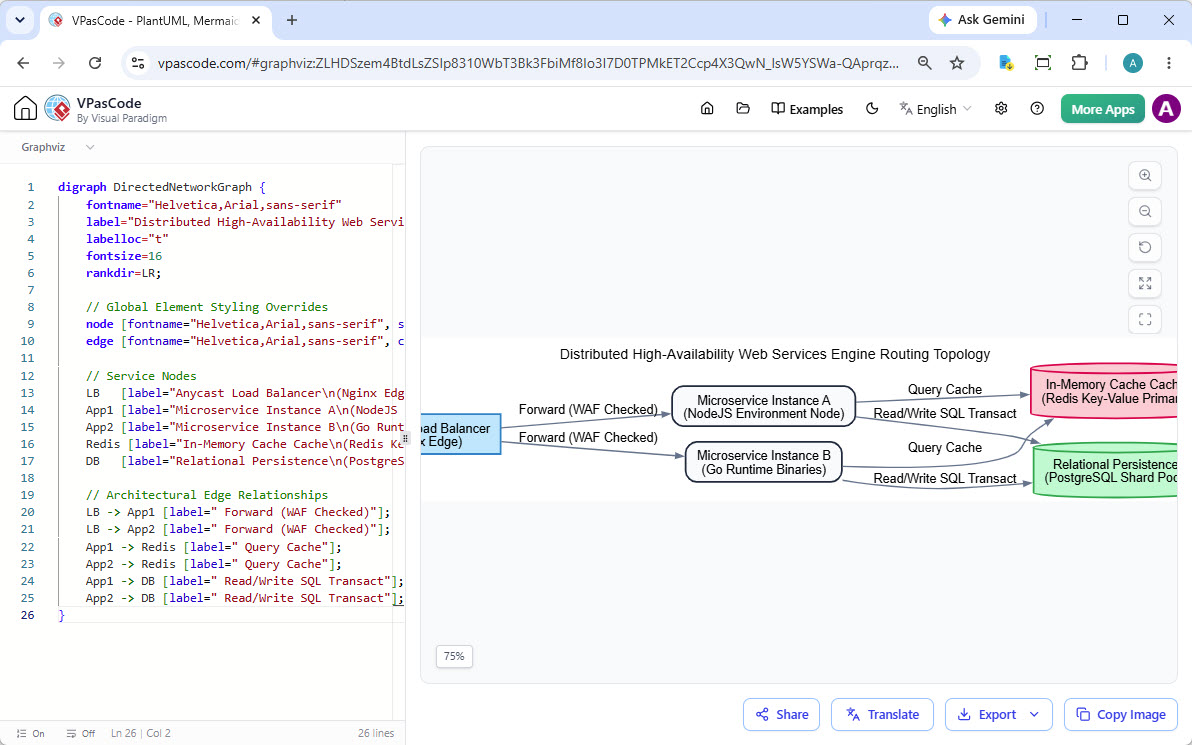
Graphviz DOT Support
Render complex graphs and network diagrams.
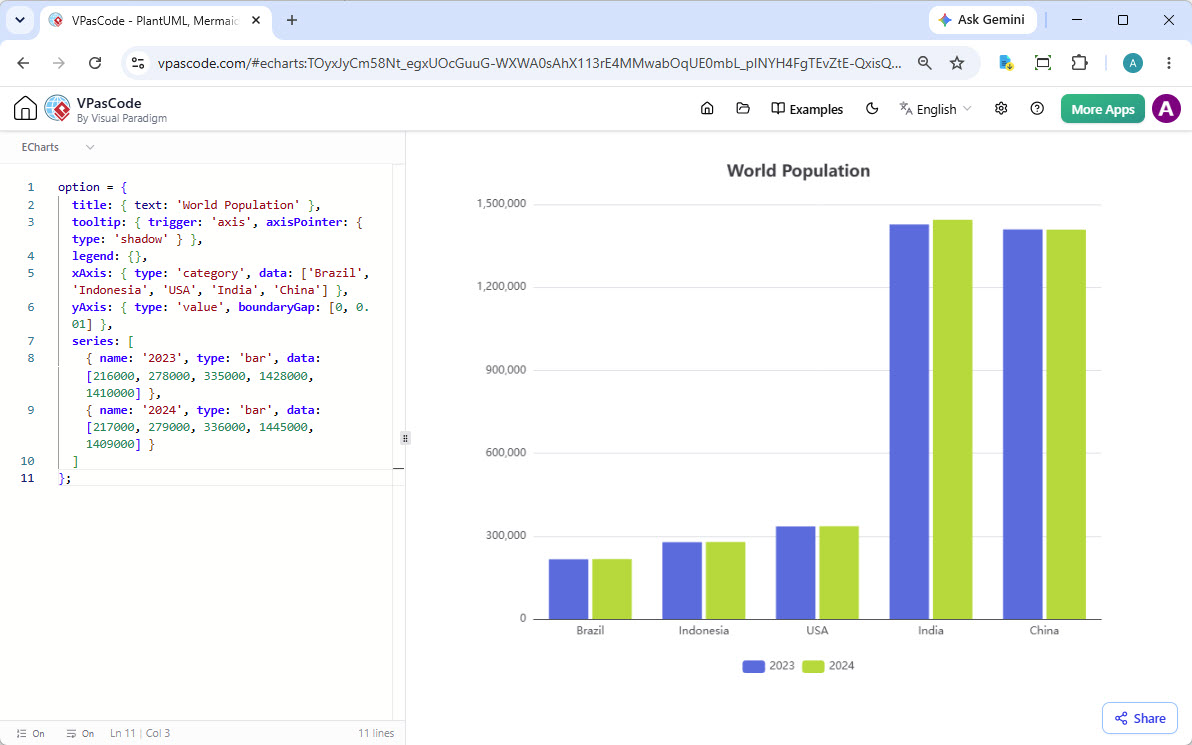
ECharts for Data Viz
Build rich, interactive charts.
SQL and Data Visualization
Visualize data directly from SQL queries or JSON/YAML structures.
Trusted by Leading Teams Worldwide
VPasCode and the Visual Paradigm suite are trusted by professionals at top-tier companies including Adobe, Apple, AT&T, Caterpillar, Intel, NASA, Nokia, and Toyota.







Conclusion
Crafting diagrams no longer needs to be a tedious task. With VPasCode, you get the best of both worlds: the precision and version-control benefits of code-based diagramming, combined with the speed and intelligence of AI. Whether you are a developer documenting code, a product manager mapping user journeys, or an architect designing systems, this free online Mermaid editor empowers you to visualize ideas effortlessly.

Ditch the slow, cumbersome tools. Start creating beautiful, maintainable diagrams today with VPasCode.
Recommended Resources
-
Visual Paradigm Mermaid Editor Features: Overview of key capabilities and AI integrations in the VPasCode Mermaid tool.
-
Fix PlantUML Syntax Errors with AI: Guide on using AI assistance to debug and correct diagram code syntax.
-
Embed Live Mermaid Diagrams into Markdown: Tutorial on integrating dynamic Mermaid diagrams into developer documentation.
-
Translate PlantUML Diagrams to Multiple Languages: Instructions for using AI translation features for global collaboration.
-
Custom AI Endpoint Configuration: Details on integrating private AI APIs like OpenAI and Anthropic for enterprise security.
-
VPasCode AI Diagram Generation Update: Release notes and features for native AI diagram generation and modification.
-
Visual Paradigm AI Diagramming Chatbot: Try the standalone AI chatbot for generating initial diagram concepts.
