Software architecture relies heavily on visual communication. Among the various tools available, the Unified Modeling Language (UML) remains the industry standard. Specifically, the UML Class Diagram serves as the backbone for object-oriented design. However, widespread misconceptions surround its purpose, application, and utility. These misunderstandings often lead to poor documentation practices or abandoned modeling efforts. This guide dismantles common myths to provide a clear understanding of how class diagrams function within professional development environments. 🧐
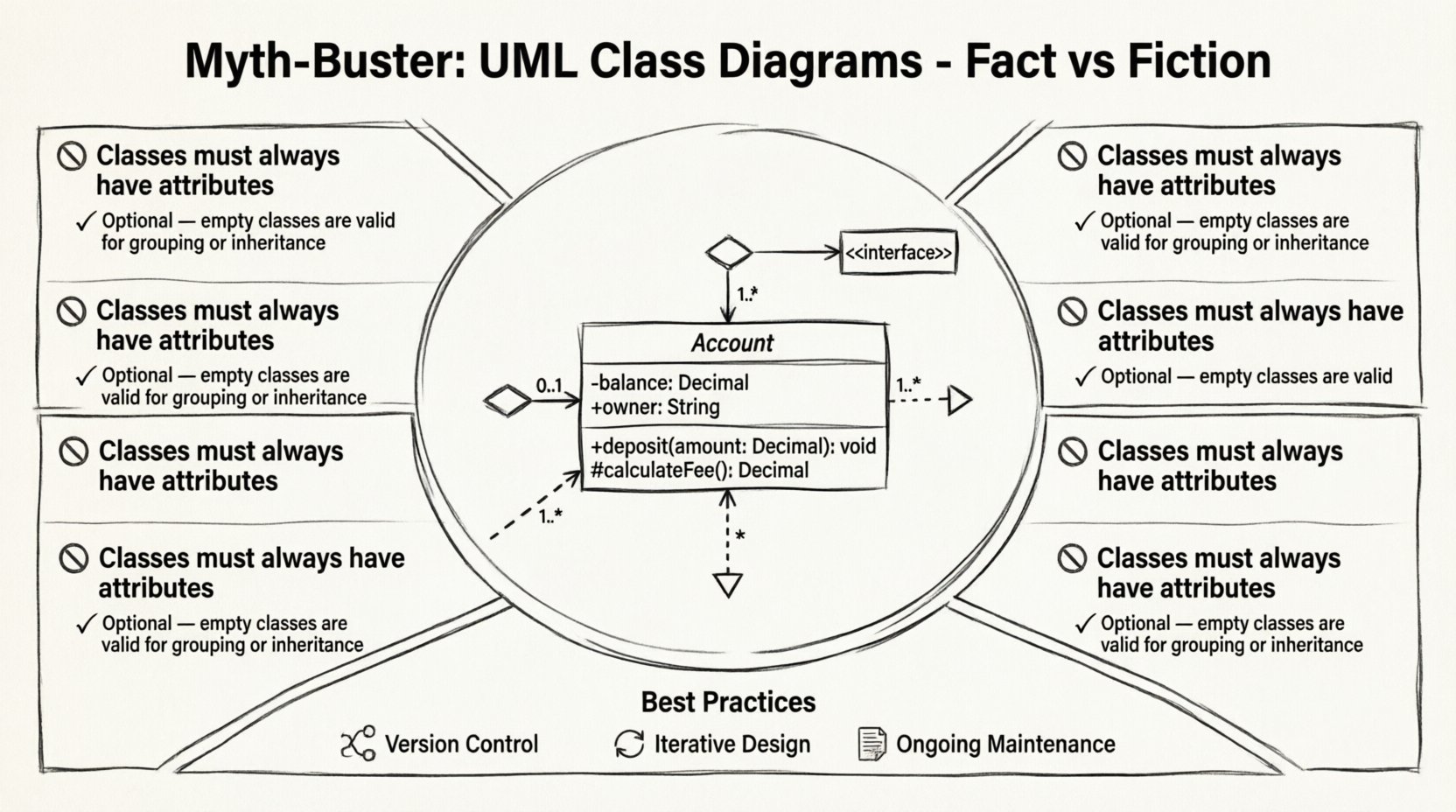
🏗️ Understanding the Foundation: What Is a Class Diagram?
A UML class diagram represents the static structure of a system. It displays the system’s classes, their attributes, operations, and the relationships among objects. Unlike sequence diagrams, which focus on behavior over time, class diagrams focus on the nouns of the system. They answer the question: What does this system consist of? 🤔
Many developers view these diagrams as merely sketches for code generation. While forward engineering exists, the primary value lies in communication. They serve as a shared language between stakeholders, architects, and developers. Without a clear structural model, teams often drift into inconsistent implementations. The diagram acts as a contract for the code structure before a single line of logic is written.
Key components include:
- Classes: The blueprints for objects.
- Attributes: The data stored within a class.
- Operations: The methods or functions available.
- Relationships: The links connecting classes together.
- Constraints: Rules governing the validity of the model.
🚫 Myth 1: They Are Just Code Skeletons
A pervasive belief suggests that class diagrams are simply high-level representations of code. Some argue that since code generation tools exist, the diagram is redundant. This view ignores the semantic value of the model. Code evolves rapidly; a diagram captures the intent behind the code. If a developer modifies the logic, the diagram might not need to change if the interface remains stable. However, if the structural relationships shift, the diagram must update to reflect the new reality. 🔧
Furthermore, diagrams allow for abstraction. You can model a system at a high level without detailing every private variable. This abstraction helps stakeholders understand the business logic without getting bogged down in implementation details. Code is too specific; diagrams are designed to be generalized. Relying solely on code as documentation creates a maintenance nightmare when team members change. A well-maintained diagram provides a map that survives refactoring.
🚫 Myth 2: You Must Draw Everything Before Coding
Another common misconception is the necessity of Big Design Up Front (BDUF). Critics argue that drawing every single class before writing code slows down agile development. While it is true that exhaustive upfront modeling can be counterproductive, abandoning diagrams entirely is also an error. The truth lies in iterative design. 🔄
Effective modeling happens in layers:
- Conceptual Model: Early stage, high-level domain classes.
- Design Model: Detailed structure, including interfaces and patterns.
- Implementation Model: Specifics for the final codebase.
You do not need to document every single getter and setter immediately. Focus on the relationships that drive complexity. If a class is trivial, it may not need a diagram entry. If it contains complex business rules or connects to external systems, it requires detailed modeling. Balance is key. The goal is to reduce ambiguity, not to create bureaucratic overhead.
🔗 Myth 3: Relationships Are Simple Lines
Visual simplicity often masks semantic complexity. A line connecting two boxes does not tell the whole story. There are ten distinct relationship types in UML 2.5, and misusing them leads to architectural debt. The most critical distinctions exist between Association, Aggregation, and Composition. Confusing these concepts results in tight coupling and fragile systems. ⚠️
Deep Dive: Relationship Nuances
Understanding the difference between these three is essential for robust design. They represent different lifecycle dependencies and ownership structures.
| Relationship Type | Symbol | Meaning | Example |
|---|---|---|---|
| Association | Line | A generic link between objects | A Teacher teaches a Student |
| Aggregation | Hollow Diamond | Whole-Part relationship (shared) | A Department has Employees |
| Composition | Filled Diamond | Whole-Part relationship (exclusive) | A House has Rooms |
| Generalization | Triangle Arrow | Inheritance (Is-A) | Car extends Vehicle |
| Dependency | Dashed Arrow | Usage relationship | Report uses Database |
Consider the difference between Aggregation and Composition. In Aggregation, the part can exist independently of the whole. If the Department dissolves, the Employees still exist. In Composition, the part is owned by the whole. If the House is demolished, the Rooms cease to exist. This distinction dictates how memory is managed and how lifecycle events are handled in code. Using the wrong relationship type in a diagram often leads to incorrect implementation logic.
📏 Myth 4: Multiplicity Is Optional
Multiplicity defines how many instances of a class participate in a relationship. Many models omit this, leaving the developer to guess. Is it one-to-one? One-to-many? Zero-to-many? Leaving this ambiguous creates runtime errors. A method expecting a list of objects might receive null if the model implies zero. 📉
Standard multiplicity notation includes:
- 0..1: Optional, can be zero or one.
- 1..1: Required, exactly one.
- 1..*: Required, one or more.
- 0..*: Optional, zero or more.
Ignoring multiplicity forces the developer to write defensive code that should have been designed in. For example, if a User must have exactly one Profile, the code should enforce this constraint at the database level. The diagram communicates this requirement to the database architect. It ensures that the logic matches the intent. Omitting these details is a form of negligence in the design phase.
🧩 Myth 5: UML Is Only for Large Systems
There is a belief that UML diagrams are reserved for enterprise-scale applications. Small scripts and microservices do not need them. This is incorrect. Even small systems have structural dependencies. As codebases grow, refactoring becomes harder without a map. A microservice architecture still requires defined interfaces and data models. 📦
In smaller contexts, the diagram acts as a sanity check. It prevents the “spaghetti code” pattern where classes depend on each other in circular ways. By visualizing the flow of data and objects, developers can spot coupling issues early. The cost of drawing a diagram for a small project is low, but the benefit of clarity is high. It serves as a living document that grows with the project.
🛠️ Myth 6: Tools Replace Thinking
Automated reverse-engineering tools can generate diagrams from code. Some believe this makes manual modeling obsolete. While reverse engineering is useful for understanding legacy code, it rarely produces clean, readable models. Code contains implementation details that clutter diagrams. A generated diagram often shows every private variable and method, making it unreadable. 🤖
Manual modeling requires design decisions. It forces the architect to prioritize what is important. It separates the logical view from the physical view. Automated tools are best used for synchronization, not creation. Relying solely on tools removes the critical thinking process from the design phase. The value is in the act of modeling, not the output file.
🎨 Myth 7: Visibility Modifiers Are Trivial
Access modifiers (public, private, protected) are often treated as implementation details. In a class diagram, they define the contract. Changing a public method to private is a breaking change for any external class. A diagram makes these dependencies visible. 🚧
When modeling, consider:
- Public: Accessible by any other class. The interface.
- Private: Internal implementation details. Hidden from others.
- Protected: Accessible by the class and its subclasses.
Over-exposing public methods increases coupling. A well-designed diagram minimizes public visibility to reduce the surface area for bugs. It encourages encapsulation. If a class exposes too many public attributes, it becomes a “data structure” rather than an object with behavior. The diagram helps identify when this violation occurs.
🔄 Myth 8: Diagrams Do Not Need Maintenance
Perhaps the most dangerous myth is that diagrams are static artifacts. Once drawn, they are forgotten. When code changes, the diagram is often left outdated. This creates a “false truth” where the documentation does not match the system. 📉
To keep diagrams useful:
- Version Control: Treat diagrams like code. Commit changes.
- Sync Points: Update diagrams during code reviews.
- Refactoring: If the class structure changes, update the diagram immediately.
- Review: Periodically audit diagrams against the actual codebase.
If a diagram becomes outdated, it becomes a liability. Developers may follow the diagram and introduce bugs. It is better to have a simple, up-to-date diagram than a complex, outdated one. Sometimes, removing a diagram is better than keeping a lie. Accuracy is the primary currency of documentation.
🧠 Abstract Classes and Interfaces
Distinguishing between abstract classes and interfaces is a common stumbling block. Both represent abstractions, but they serve different purposes. An abstract class represents a partial implementation. It can hold state and concrete methods. An interface represents a contract. It defines behavior without implementation. 🤝
In a class diagram, this is shown through specific notations. Abstract classes often have italicized names. Interfaces are marked with the <<interface>> stereotype. Mixing these up leads to inheritance issues. A class can extend only one abstract class but implement multiple interfaces. This distinction dictates the design flexibility of the system. Understanding this helps in choosing the right abstraction for the problem at hand.
📉 Designing for Change
Software is never static. Requirements change. Technologies evolve. A good class diagram anticipates change. It separates stable parts from volatile parts. For example, the core domain model should remain stable, while the infrastructure layer changes frequently. Grouping classes by layer in the diagram helps visualize this separation. 🏛️
Dependency Inversion is a principle that benefits from good modeling. High-level modules should not depend on low-level modules. Both should depend on abstractions. The diagram makes these dependencies explicit. If you see a thick web of arrows connecting concrete classes, the design is fragile. The goal is to minimize the number of dependencies between classes. This reduces the impact of changes.
✅ Final Thoughts
The UML Class Diagram is a powerful tool when used correctly. It separates the concept of structure from the reality of code. By debunking the myths surrounding its usage, teams can adopt a more disciplined approach to architecture. It is not about drawing pretty pictures. It is about clarity, communication, and reducing risk. 🛡️
Remember that the diagram serves the team, not the tool. It should be updated regularly. Relationships must be precise. Multiplicity should be explicit. Visibility should be intentional. When these principles are applied, the class diagram becomes a reliable map for the journey of software development. It guides the team through complexity without getting lost in the details. Stick to the facts, avoid the hype, and design with purpose. 🚀